Online Safety
Our pupils are growing up in a world of ever-changing technology. While we feel that the use of technology is a largely positive aspect of modern life, we cannot ignore the risks that can be associated.
Throughout school we aim to teach children:
- about the impact of cyber-bullying and what to do if they have been affected.
- to be vigilant when communicating online recognising that people may not always be who they say they are and to be sensible about what they share.
- to tell an adult they trust if something is upsetting them.
- to question the reliability of information given through a web based source.
- to search responsibly for information while using internet browsers.
As a school, we work closely with National Online Safety to deliver a comrehensive curriculum and equip our children with the necessary to stay safe online.
National Online Safety's mission is to make the internet a safer place for children. They aim to do this by equipping school staff, parents and children with the knowledge they need to understand online dangers and how best to react should an incident arise. The link above provides up to date information about a wide variety of social media apps and platforms your child might be using.
https://nationalonlinesafety.com/
Our blog is frequently updated with ideas and websites for more information...
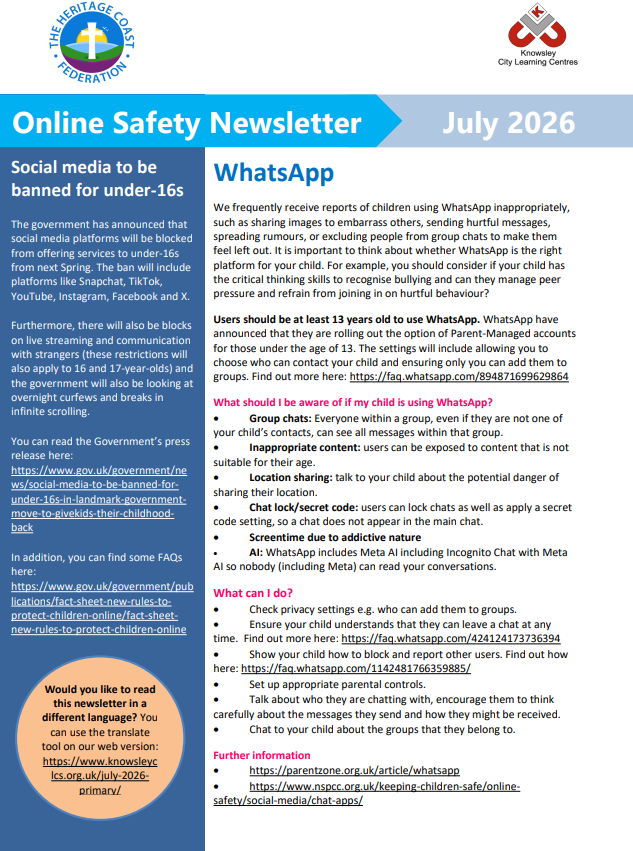
July's Online Safety Newsletter
This article explains how the government is planning on banning social media for children under the age of 16.

|
Online Safety Newsletter Primary July 2026 6 Heritage Coast 29-06-2026 | [pdf 275KB] |

|
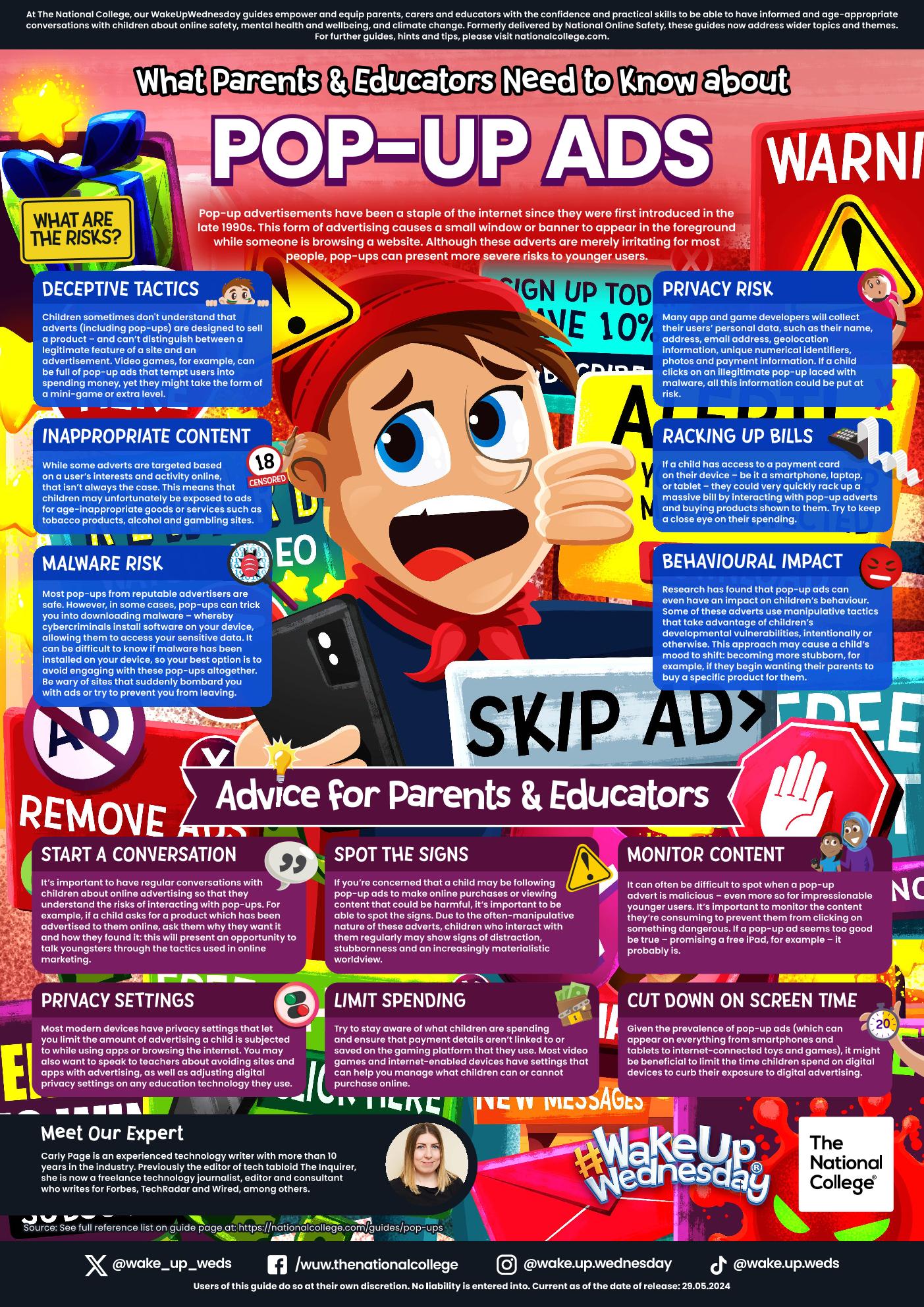
Information Regarding Pop Up Advertisements
This article explains how pop up advertisements can be misleading and may sometimes contain innapropriate content.
|
|
pop-ups | [pdf 2MB] |
|

June's Online Safety Newsletter
This months newsletter contains information about online scams and the risk of auto saving photos on apps like Whats App.
|
|
Online Safety Newsletter Primary June 2026 6 Heritage Coast 19-05-2026 | [pdf 258KB] |
|
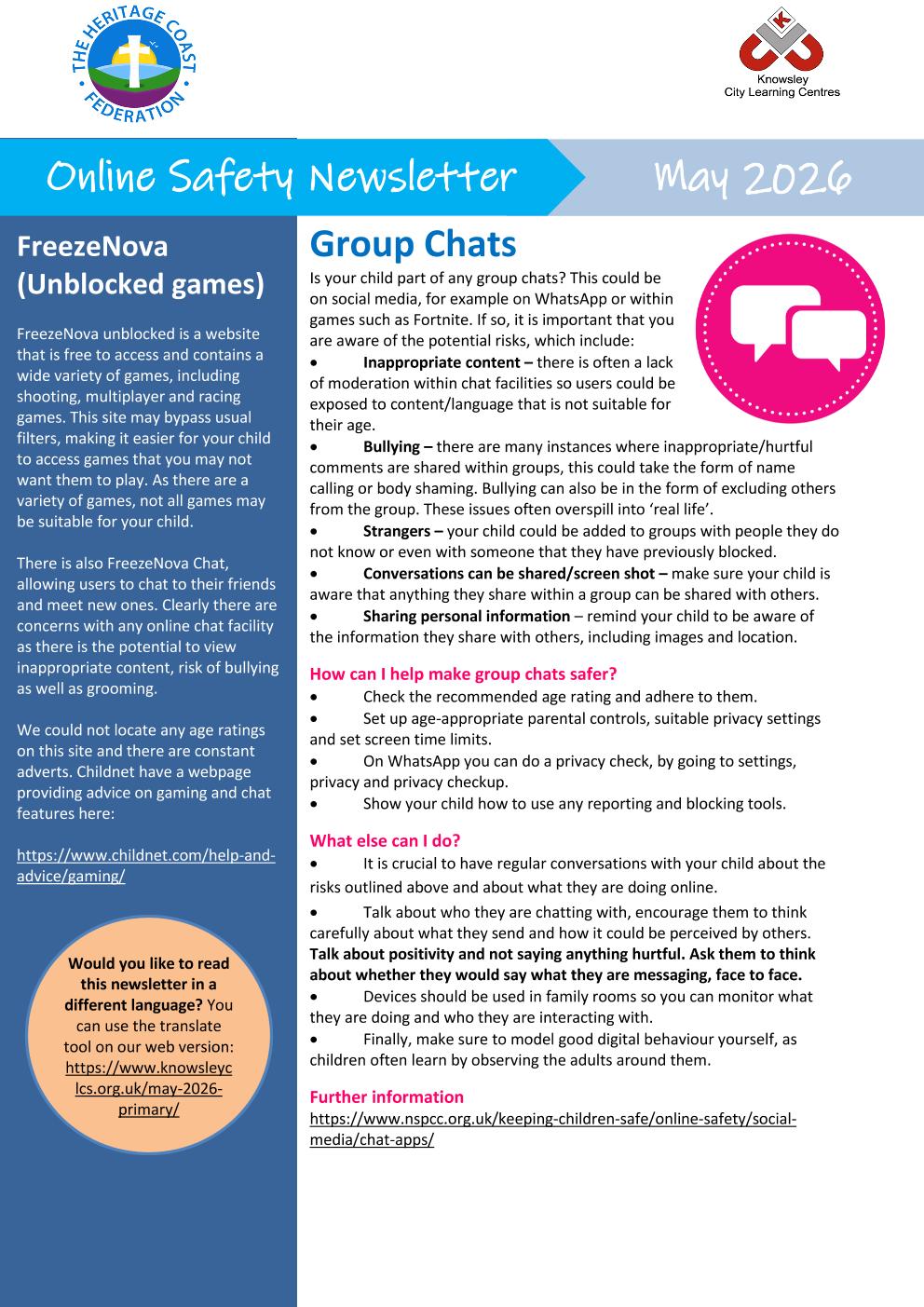
May's Online Safety Newsletter
This months newsletter contains information about group chats and the dangers associated with them. There is also information about Roblox and new age based accounts.
|
|
Online Safety Newsletter Primary May 2026 6 Heritage Coast 29-04-2026 (1) | [pdf 482KB] |
|
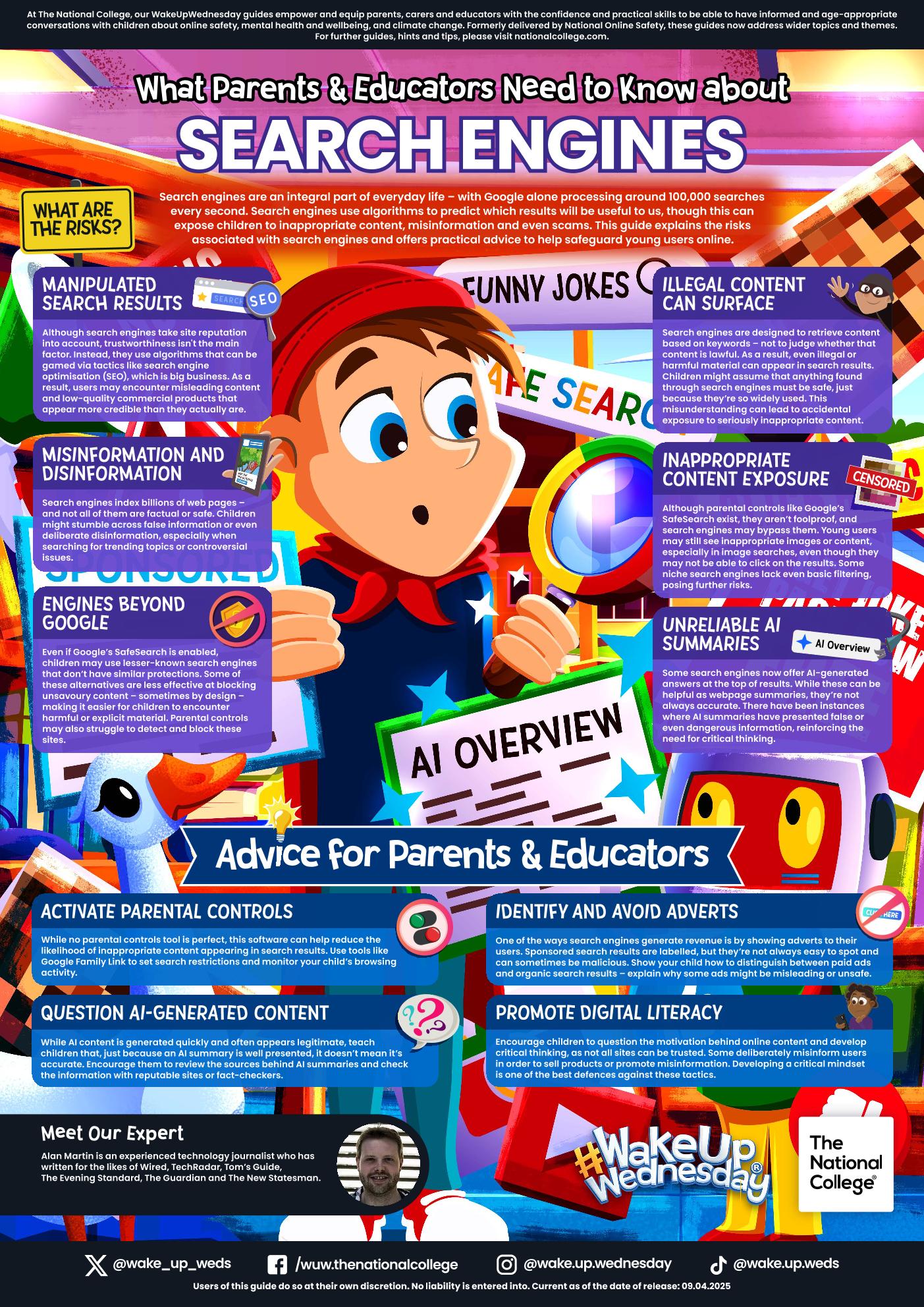
Parent Guide to Search Engines
Search engines are now an integral part of everyday life. This guide explains the risks associated with search engines and offiers practical advice to help safeguard young users online.
|
|
search-engines | [pdf 2MB] |
|
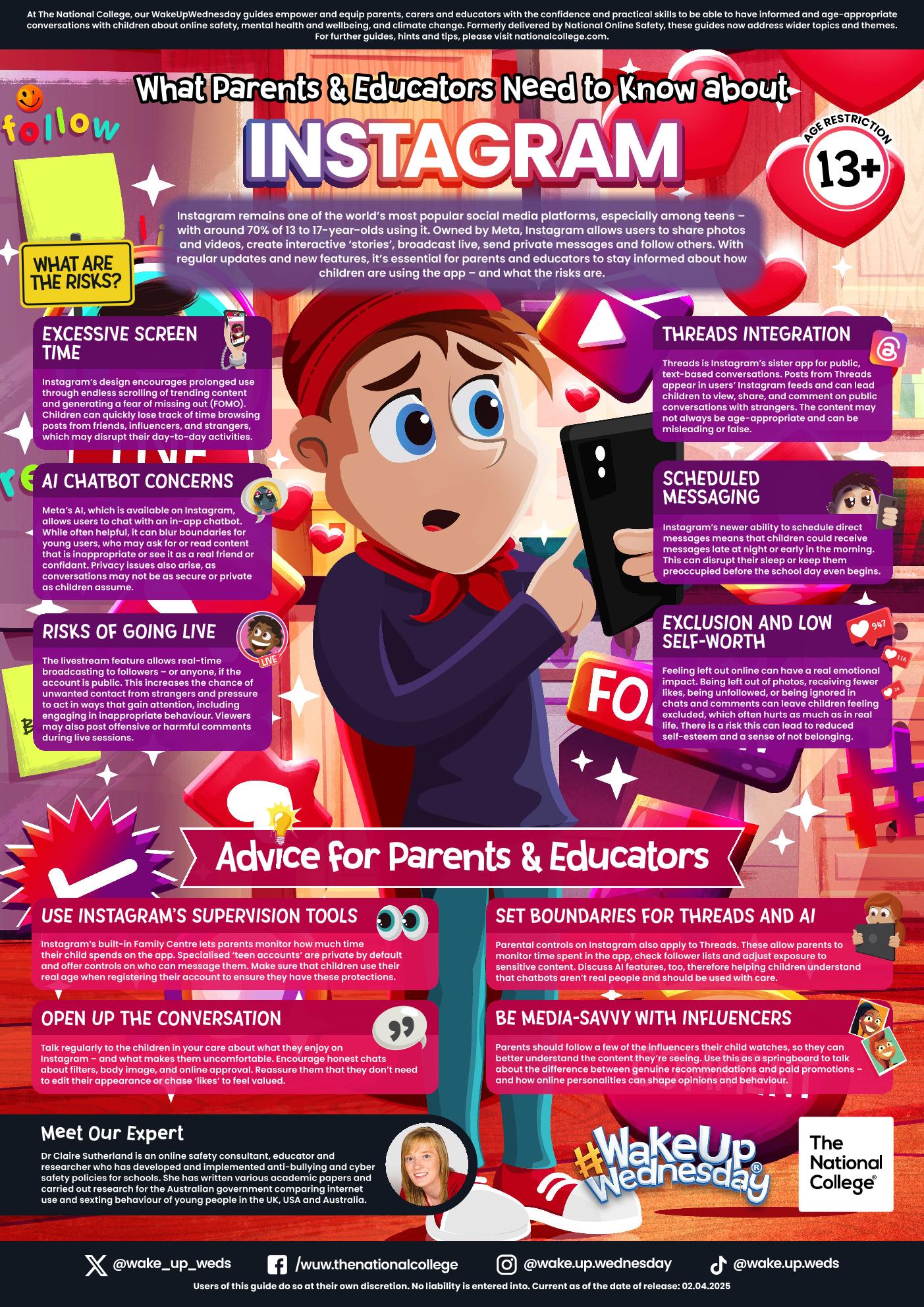
Parent Guide to Instagram
It may be one of the most popular social media channels but features like AI chatbots and threads integrations have added fresh challenges. You can find information about age restrictions and parental controls.
|
|
instagram-2025 | [pdf 2MB] |
|
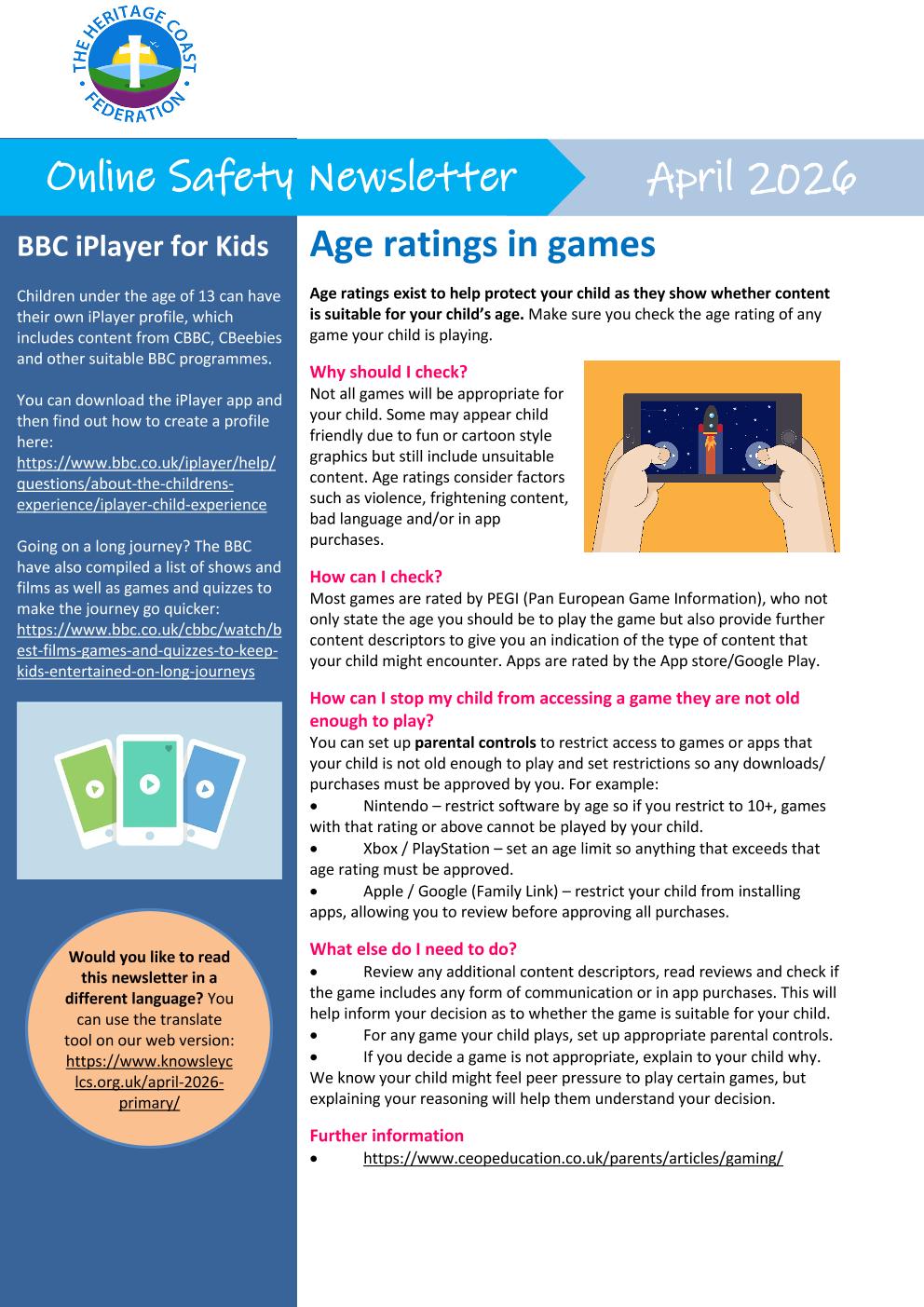
April's Online Digital Newsletter
This months newsletter provides advice on age appropriate gaming, how to understand PEGI ratings and how to set parental controls. It also containd information about AI and how to talk to your child about harmful online influencers.
|
|
Online Safety Newsletter Primary April 2026 | [pdf 449KB] |
|
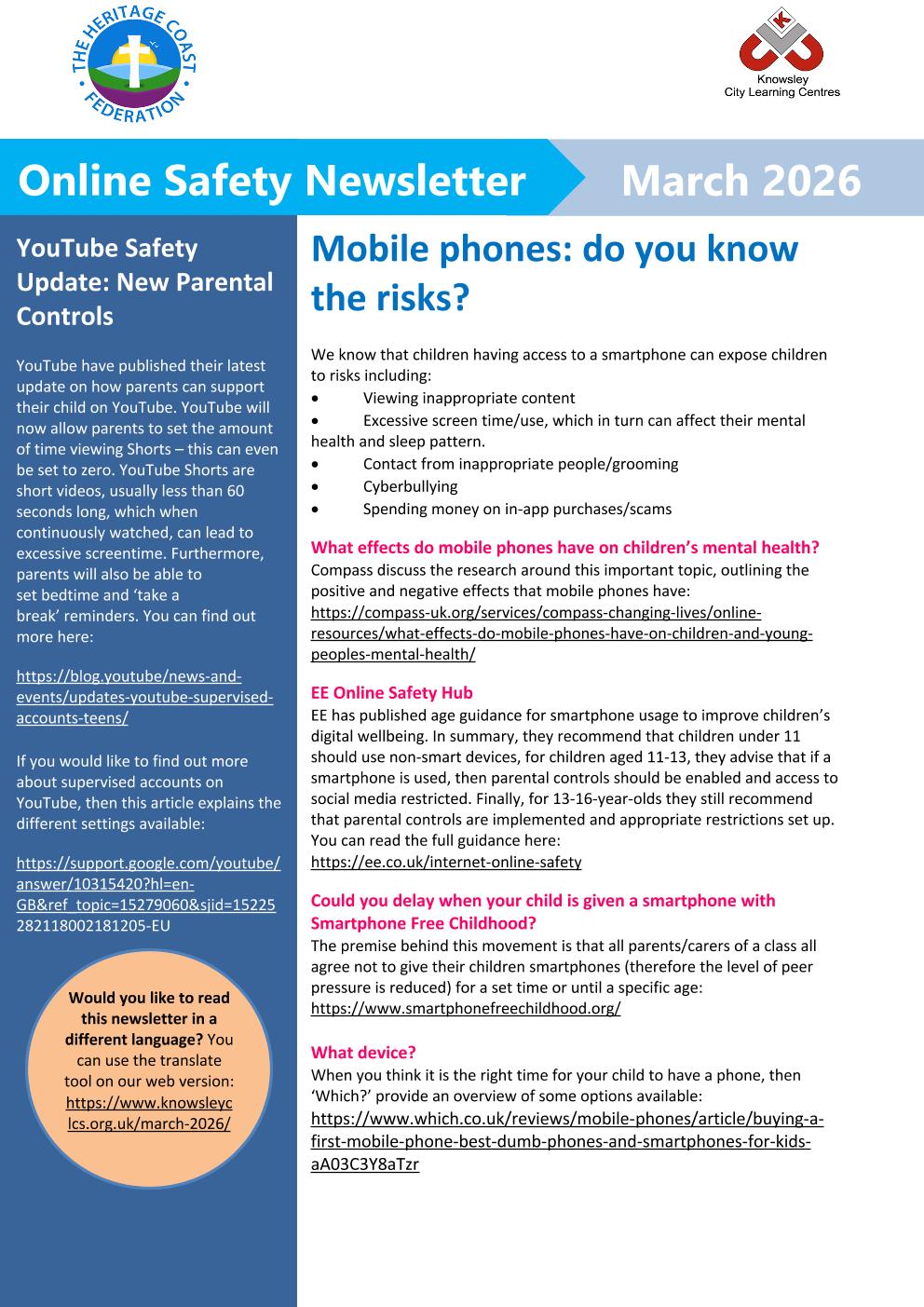
March's Online Digital Newsletter
Mobile Phones, do you know the risks?
Have a read of this months blog which features information regarding screen time and childrens mental health.
|
|
Online Safety Newsletter March 2026 6 Heritage Coast 26-02-2026 | [pdf 252KB] |
|

Safer Internet Day 2026
Our EYFS and Key Stage One children at Hawsker had a fantastic day learning all about AI and creating their own robots! We talked about the difference between real friends and robots, learning that computers can be clever but dont share fellings like real people do. They expolored what is safe to share and the golden rule - Always ask a grown up before sharing anything online.
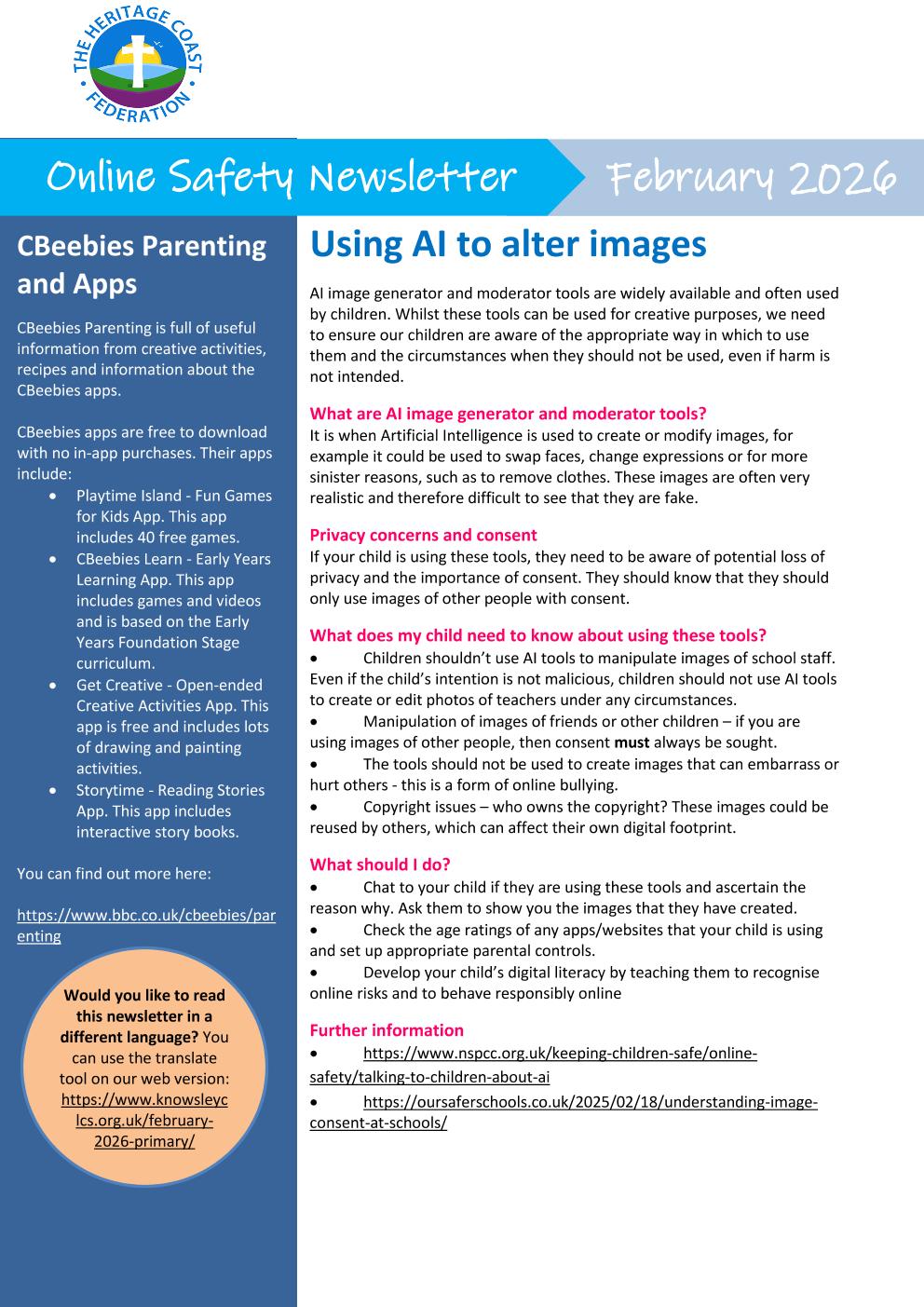
February's Online Digital Newsletter
This months newsletter is all about using AI to alter images.
|
|
Online Safety Newsletter Primary Feb 2026 6 Heritage Coast 29-01-2026 | [pdf 415KB] |
|

January's Online Digital Newsletter
This months newsletter is all about Instagram, snapchat and parental controls.
|
|
Online Safety Newsletter Primary Jan 2026 6 Heritage Coast 18-12-2025 | [pdf 366KB] |
|
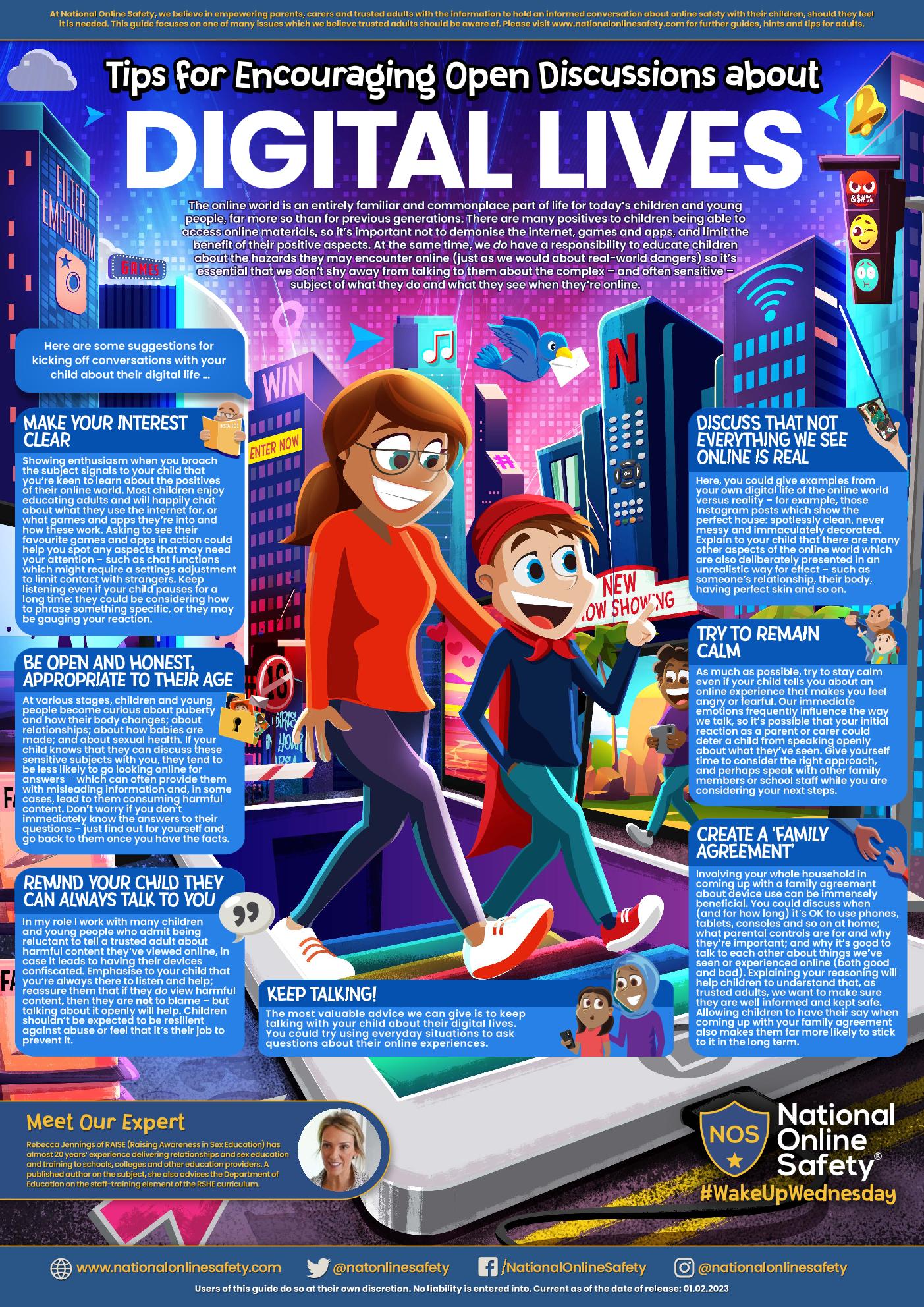
Top Tips for Encouraging Open Discussions about Digital Life
This online safety guide looks at ways that trusted adults can encourage open conversations with children about their digital lives. It outlines useful tips such as being as honest as possible, discussing how misleading the online world can be and creating a 'family agreement'.
|
|
open-discussions-about-digital-lives | [pdf 2MB] |
|

December's Online Safety Newsletter
This months newsletter features information on new technology and snapbots.
|
|
Online Safety Newsletter Primary Dec 2025 6 Heritage Coast 27-11-2025 | [pdf 594KB] |
|

November's Online Safety Newsletter
This months newsletter features information on capcut and a Whatsapp update.
|
|
Online Safety Newsletter Primary Nov 2025 FINAL | [pdf 438KB] |
|
October's Online Safety Newsletter
|
|
Online Safety Newsletter Primary Nov 2025 FINAL | [pdf 438KB] |
|
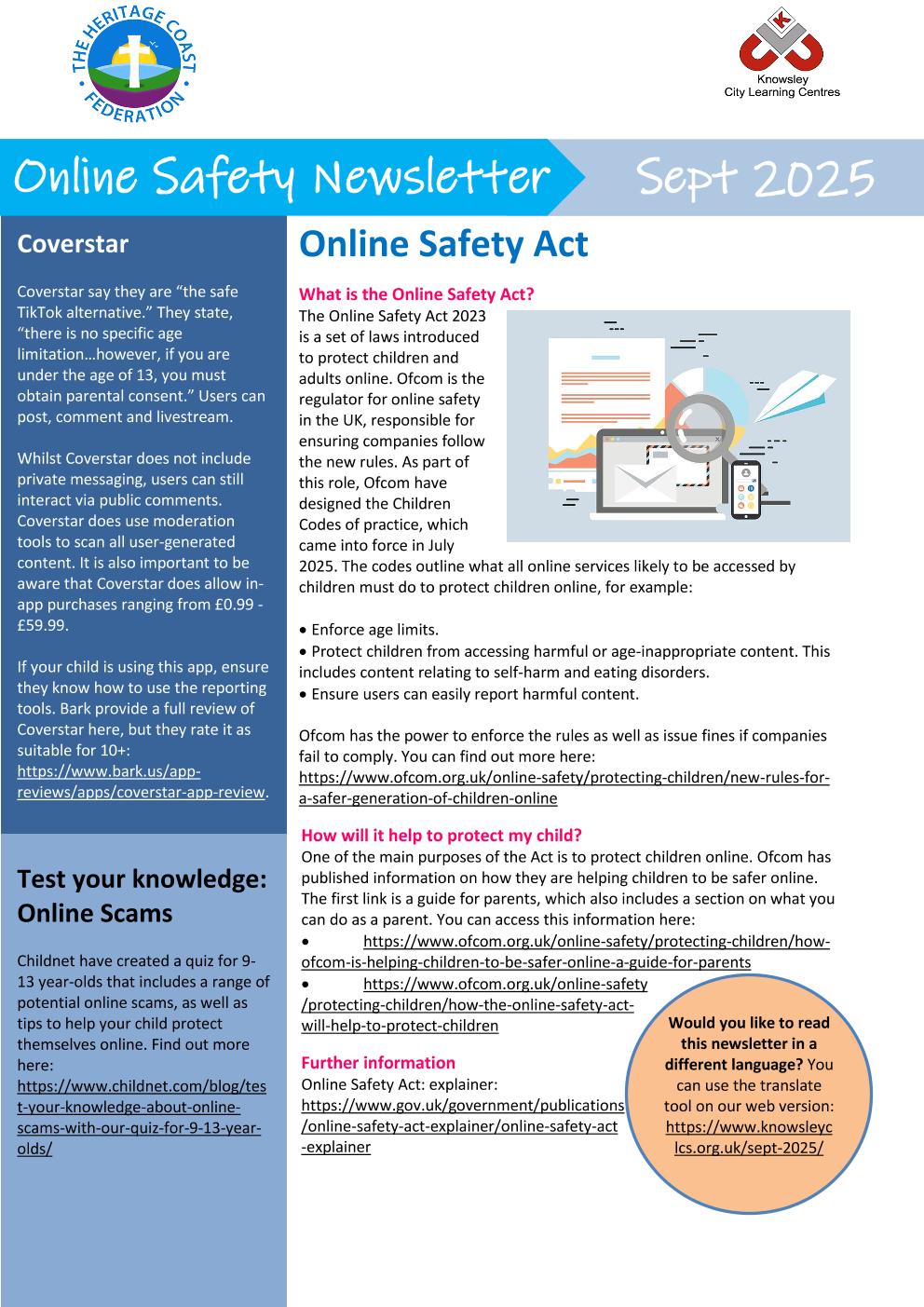
September's Online Safety Newsletter
|
|
Online Safety Newsletter Sept 2025 Heritage Coast 02-09-2025 | [pdf 399KB] |
|
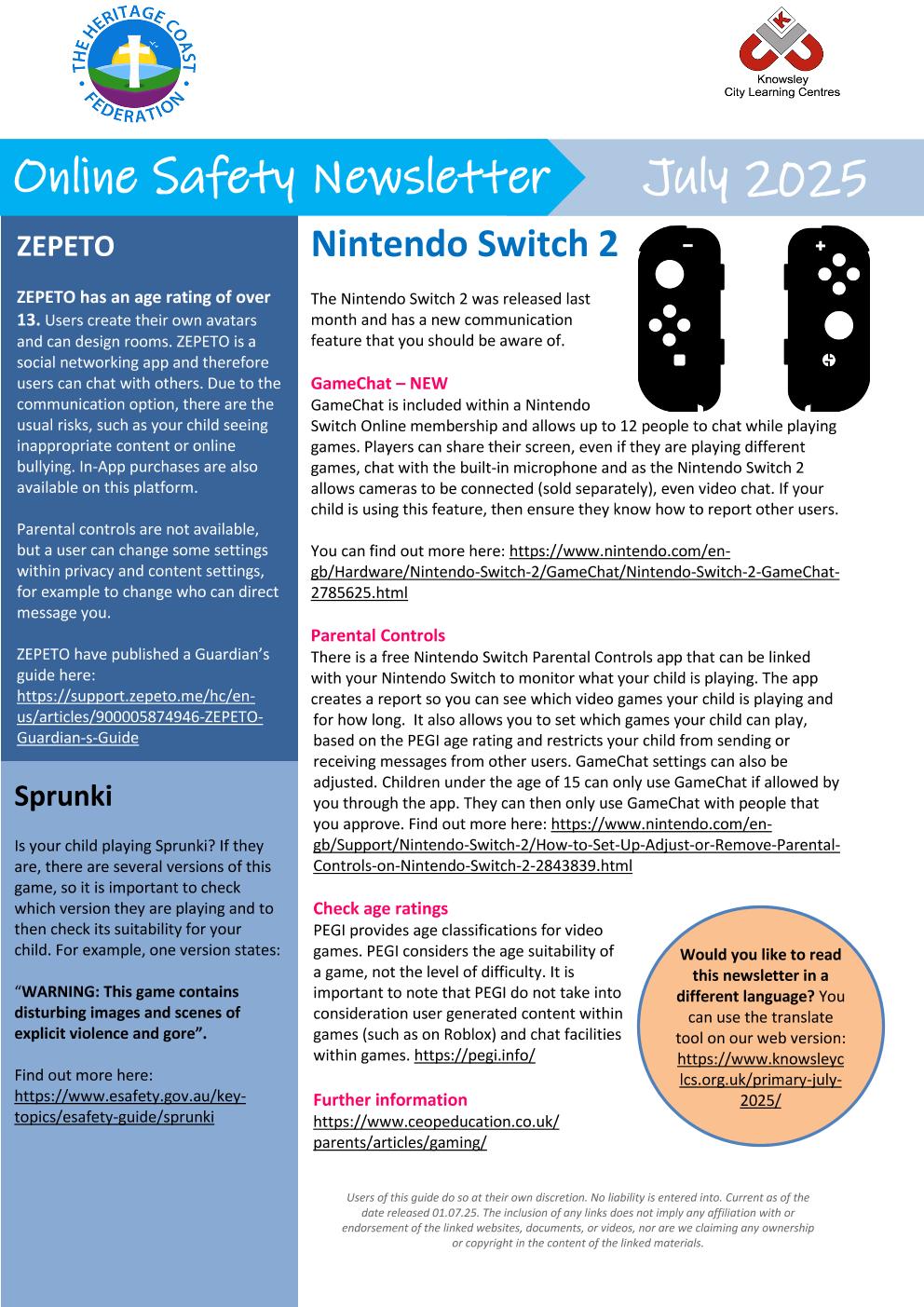
July's Online Safety Newsletter
|
|
Online Safety Newsletter Primary July 2025 Heritage Coast 30-06-2025 (1) | [pdf 397KB] |
|
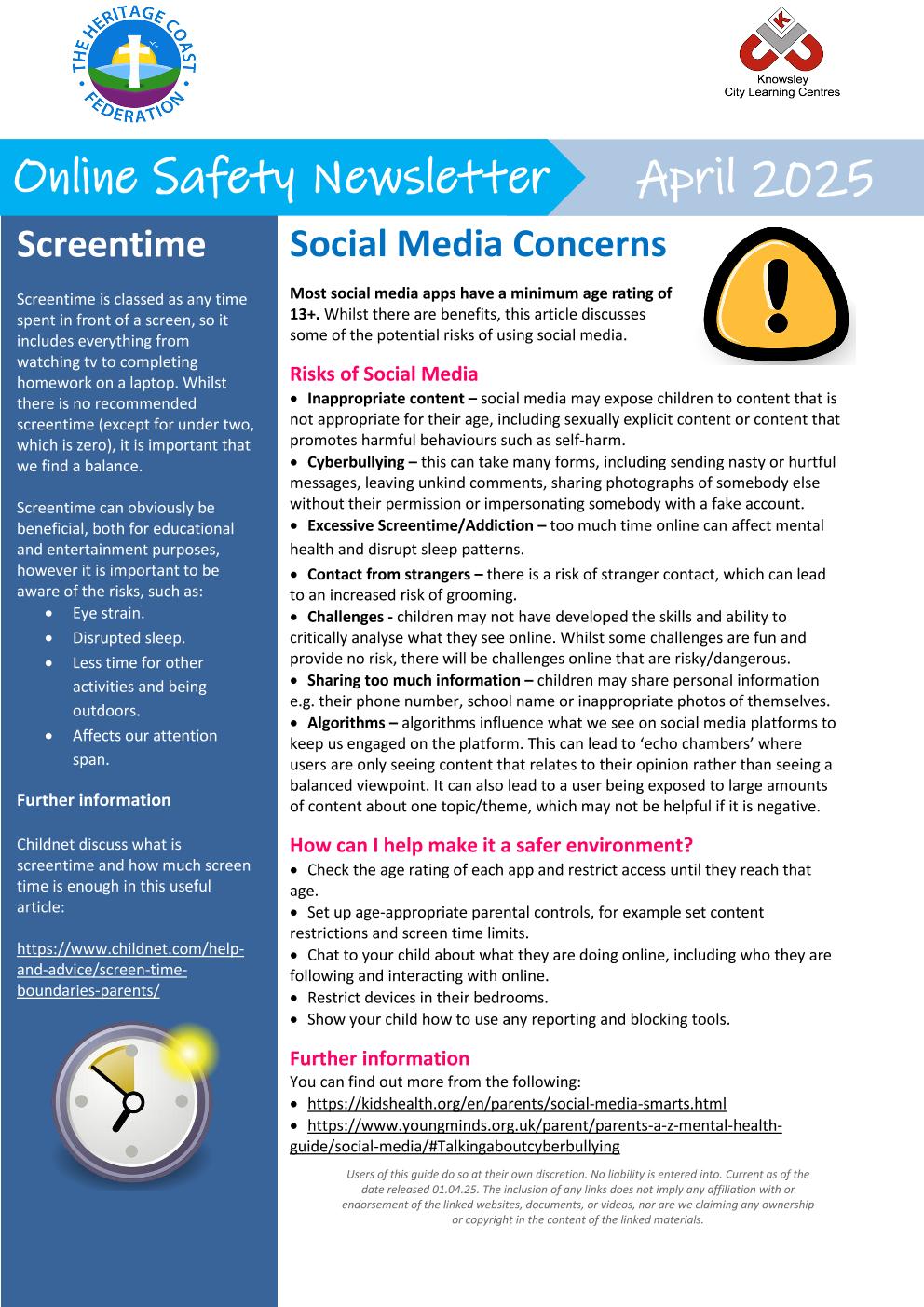
Online Safety Newsletter - March 2025
This month's newsletter feature guidance on social media, group chats and smartphones!
|
|
Online Safety Newsletter April 2025 Heritage Coast 31-03-2025 | [pdf 364KB] |
|
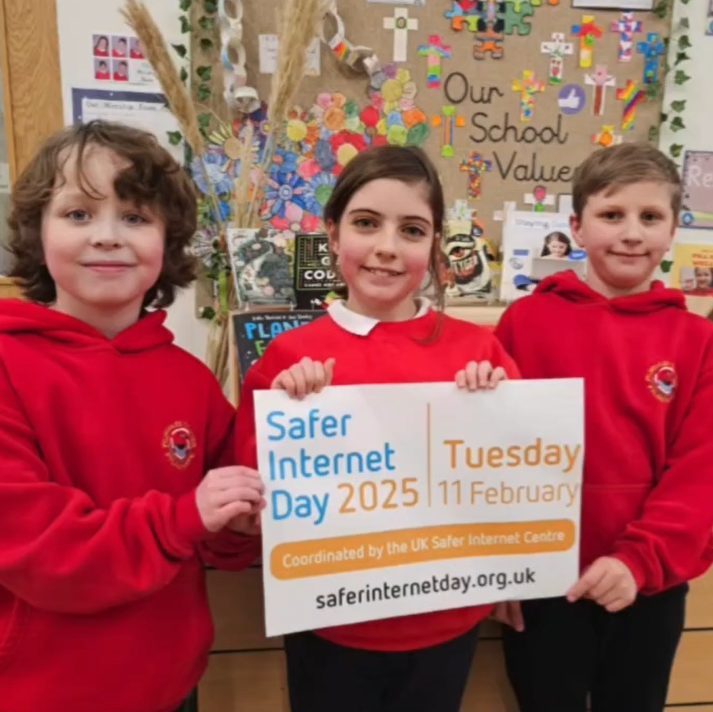
Safer Internet Day 2025
Why is Safer Internet Day Important?
- Empowerment: Educating children about the potential risks online allows them to make informed decisions.
- Awareness: It raises awareness about cyberbullying, online predators, and inappropriate content.
- Community: It's a reminder that we all play a role in creating a safe and positive digital environment.
Top Tips to Share With Your Children:
- Think Before You Click: Always consider the source of information before sharing.
- Protect Personal Information: Never share passwords, personal details, or location with strangers.
- Be Kind Online: Treat others with respect and report any harmful behaviour.
- Check Privacy Settings: Ensure your social media profiles are secure and that you know who can see your information.
- Take a Break: It's important to step away from screens and engage in real-world activities.

Online Safety Newsletter
Take a look at our online safety newsletter, this month it features information on Squid Games, a hit Netflix show and Snapchat.
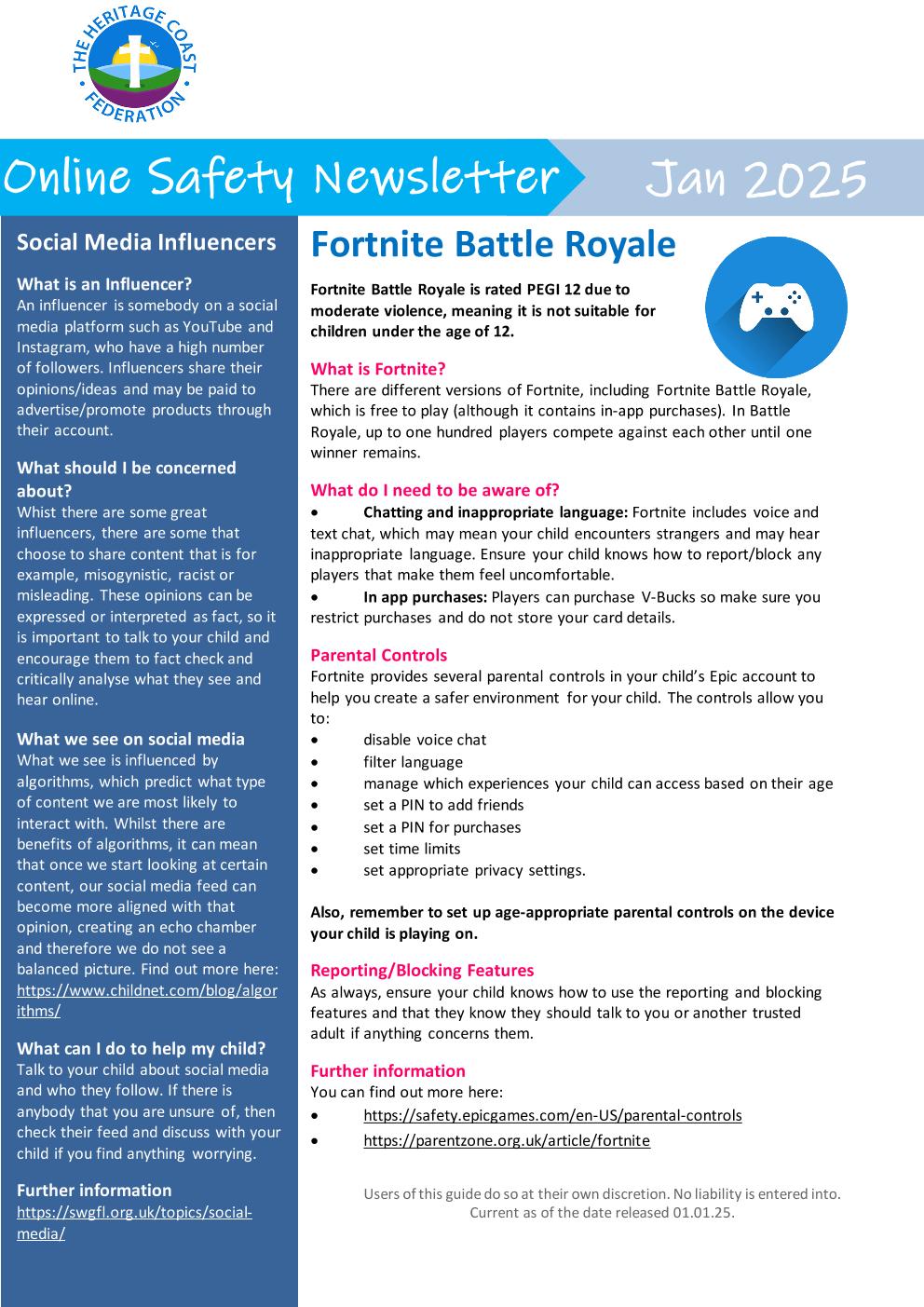
Online Safety Newsletter
The first newsletter of 2025 features parental guidance features on Fortnite and age guides for social media apps.
|
|
Online Safety Newsletter Primary January 2025 Heritage Coast 06-01-2025 | [pdf 327KB] |
|

October's Online Safety Newsletter
With a focus on mobile phone safety and Instagram's new teen account feature, why not take a look at October's online safety newsletter!
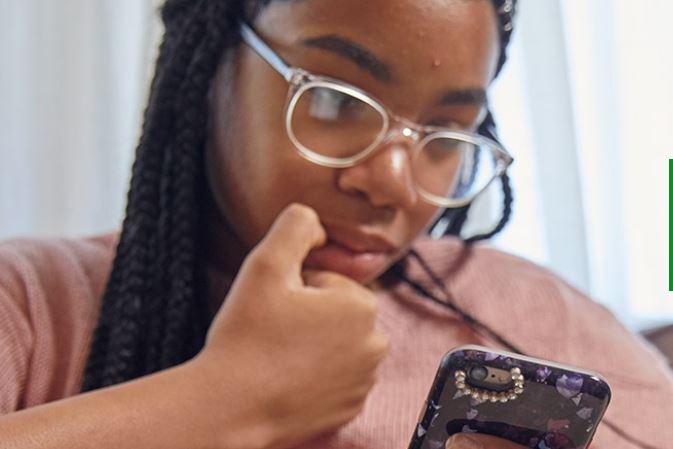
How to Deal with Online Abuse
Any child or young person can experience online abuse. If you’ve noticed something worrying, are concerned about something that's happened, or a child or young person has spoken out about abuse, then it’s important you respond appropriately.
Take a look at the below article on how online abuse can be recognised and dealt with at home:

3rd September 2024
Parental controls can be challenging when every different piece of software and game has different labels and allocations of parental controls.
Parental controls are there to assist in making educated choices on what your child might need help avoiding whilst online, these can be tailored to your child and what you wish your child to have access to, they are easy to change and really are bespoke to your childs online usage.
Take a look at the handy guide linked below for further information on Online Parental Controls:

Online Safety Newsletter July
This months newsletter features information on CapCut and help for those families who have experienced un-kind words online.
|
|
Online Safety Newsletter Primary July 2024 Heritage Coast 28-06-2024 (1) | [pdf 363KB] |
|
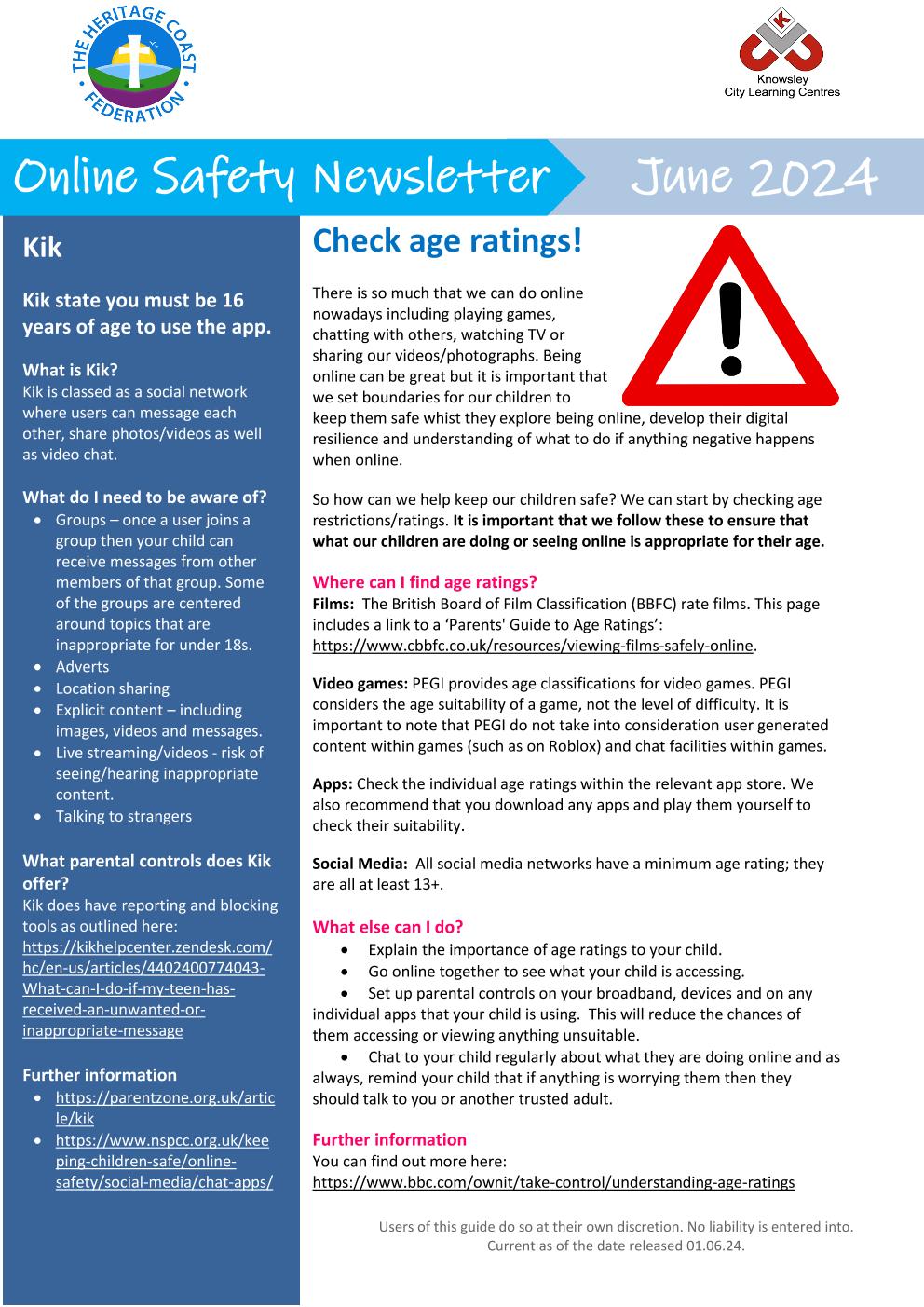
Online Safety Newsletter - June 2024
This months newsletter features guidance on age ratings, chatting online as well as lego based activities to support conversations about online safety.
|
|
Online Safety Newsletter Primary June 2024 Heritage Coast 03-06-2024 | [pdf 652KB] |
|
Online Safety Newsletter March
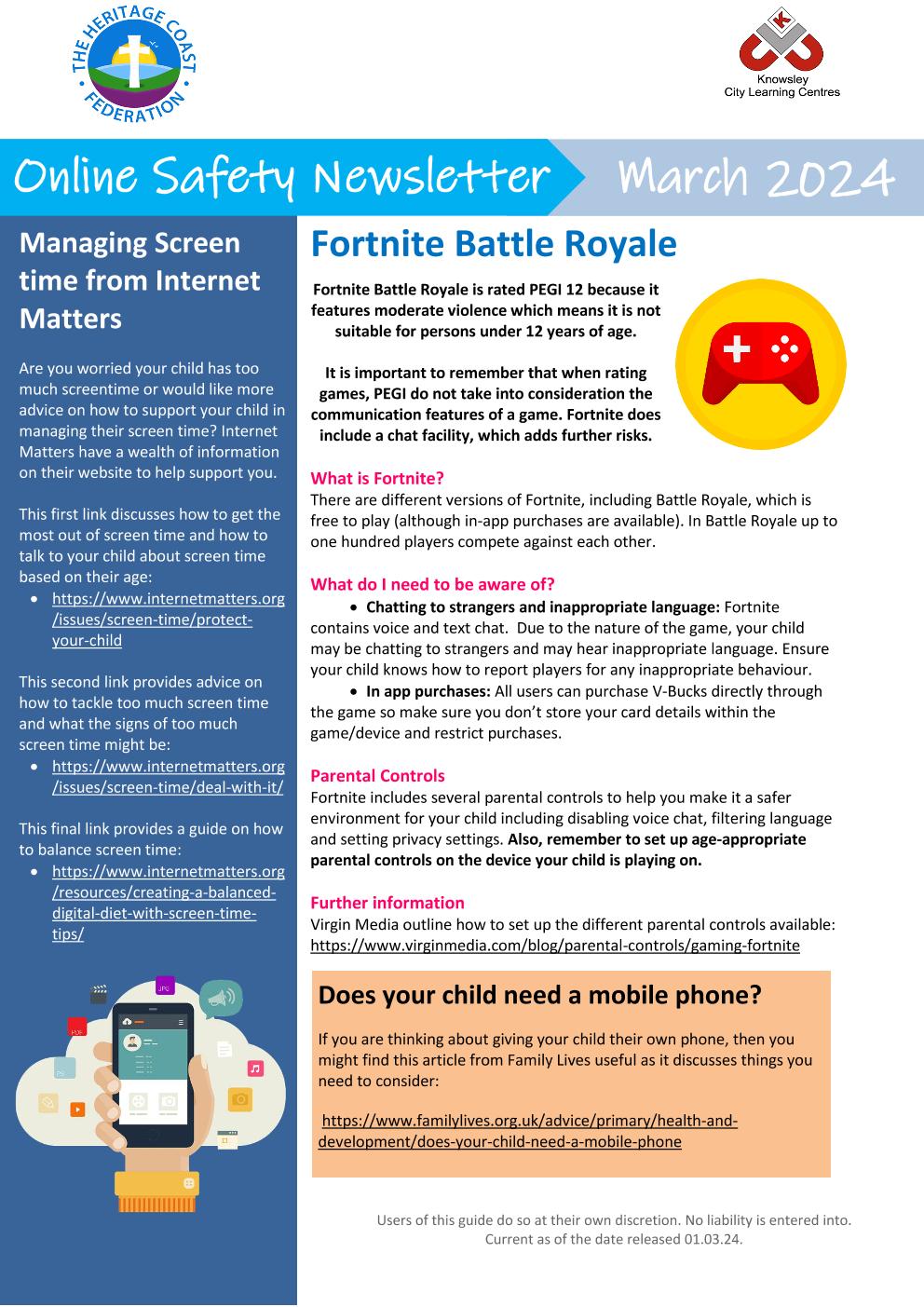
This months newsletter features Fortnite and its Battle Royal feature:
Fortnite Battle Royale is rated PEGI 12 because it features moderate violence which means it is not suitable for persons under 12 years of age.
It is important to remember that when rating games, PEGI do not take into consideration the communication features of a game. Fortnite does include a chat facility, which adds further risks.
Take a further look at our attached newsletter for more information and guidance.
|
|
Online Safety Newsletter Primary March 2024 Heritage Coast 29-02-2024 (1) | [pdf 788KB] |
|
Online Safety Newsletter February
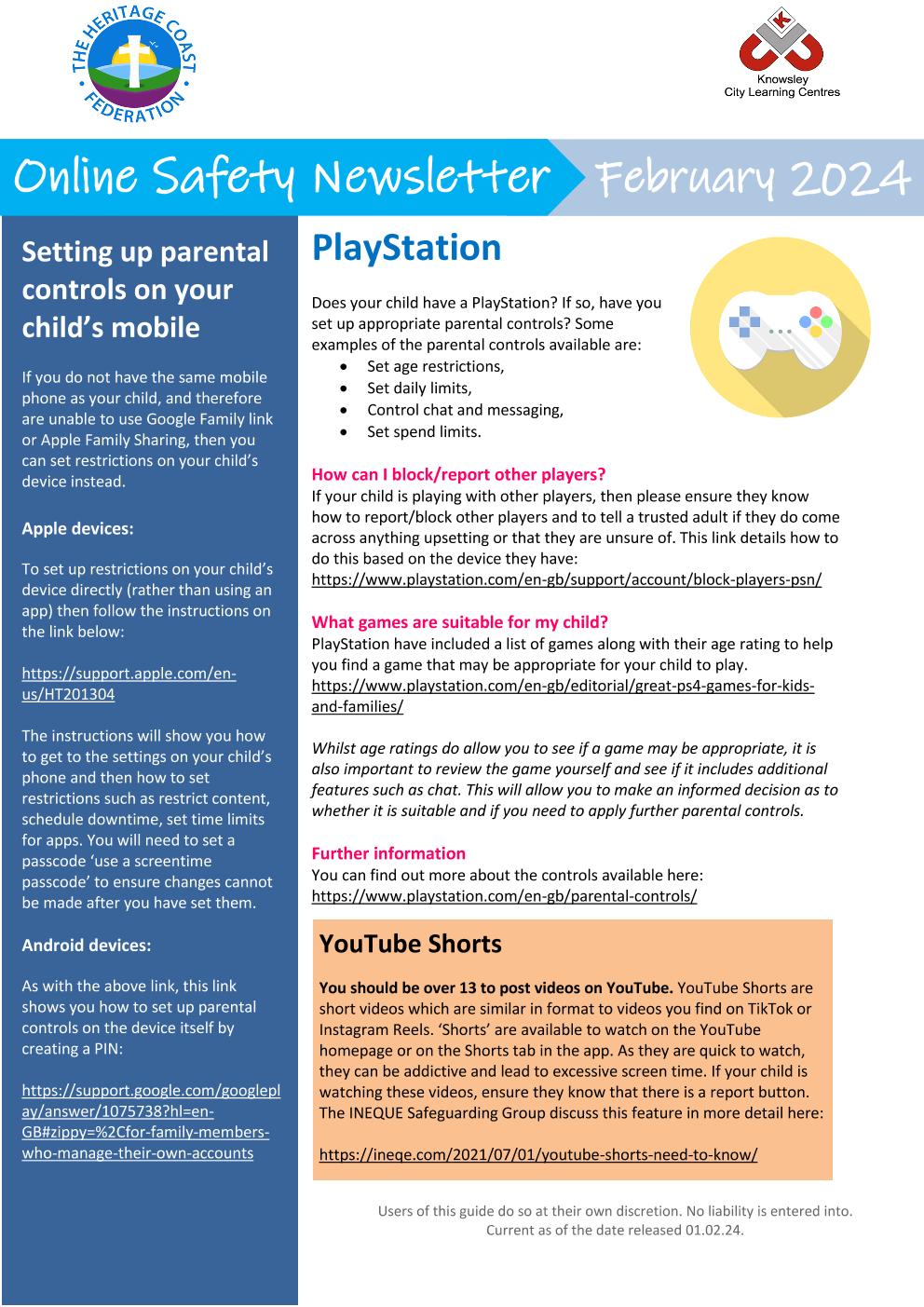
This months newsletter focuses on snap chat, youtube shorts and playstations.
|
|
Online Safety Newsletter Primary February 2024 Heritage Coast 31-01-2024 (1) | [pdf 798KB] |
|
Oak Class Online Safety
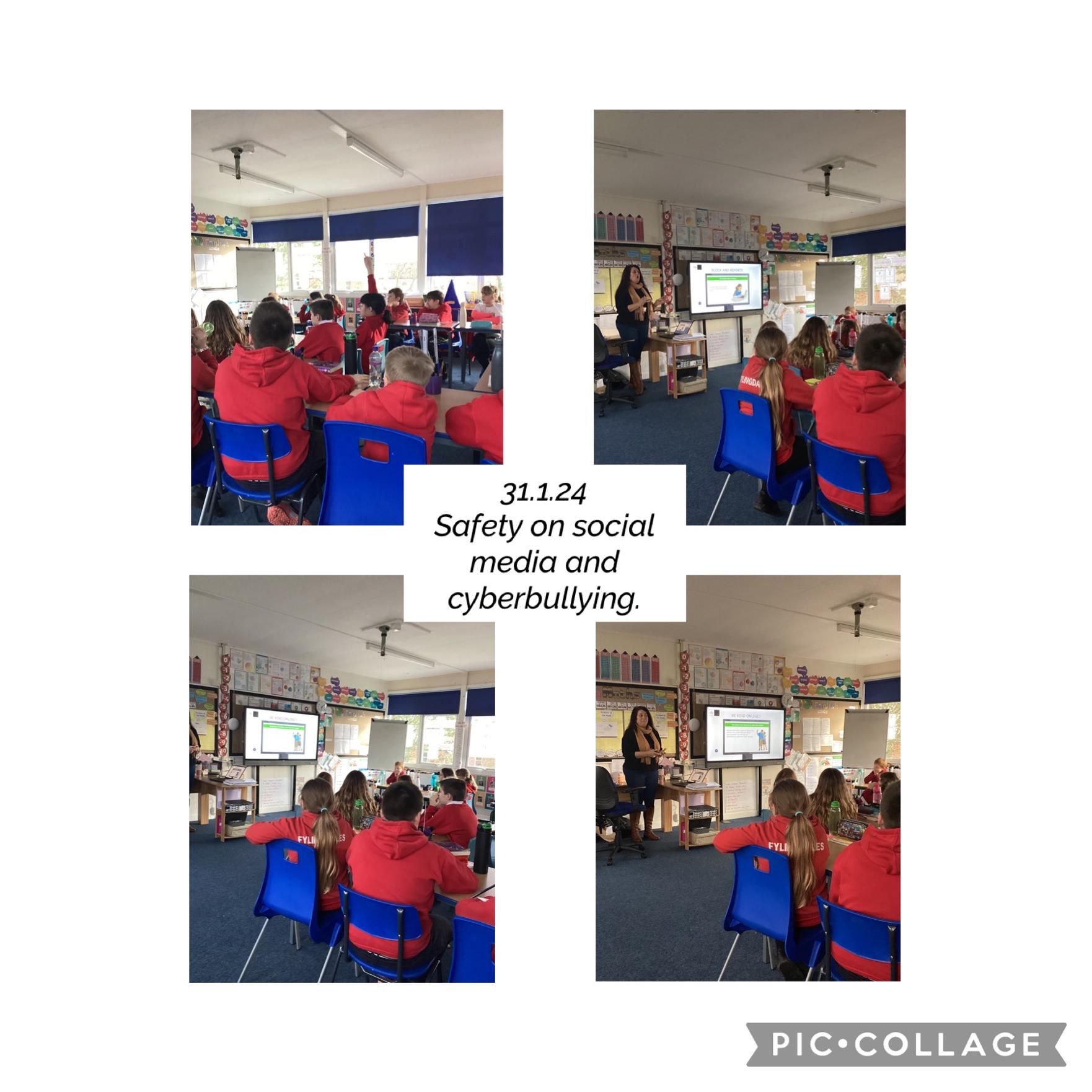
Oak Class have had two amazing workshops lead by Rachel from the Children's Society.
These sessions focused on the importance of staying safe on social media. The children had so many questions and discussion points that Rachel kindly gave up some more of her time to work with us again today to explore these ideas in more depth and develop our knowledge and awareness of cyber-bullying.
A huge thank you to Rachel for providing us with such valuable lessons for life and some very important discussions.
Online Safety Newsletter - December 2023
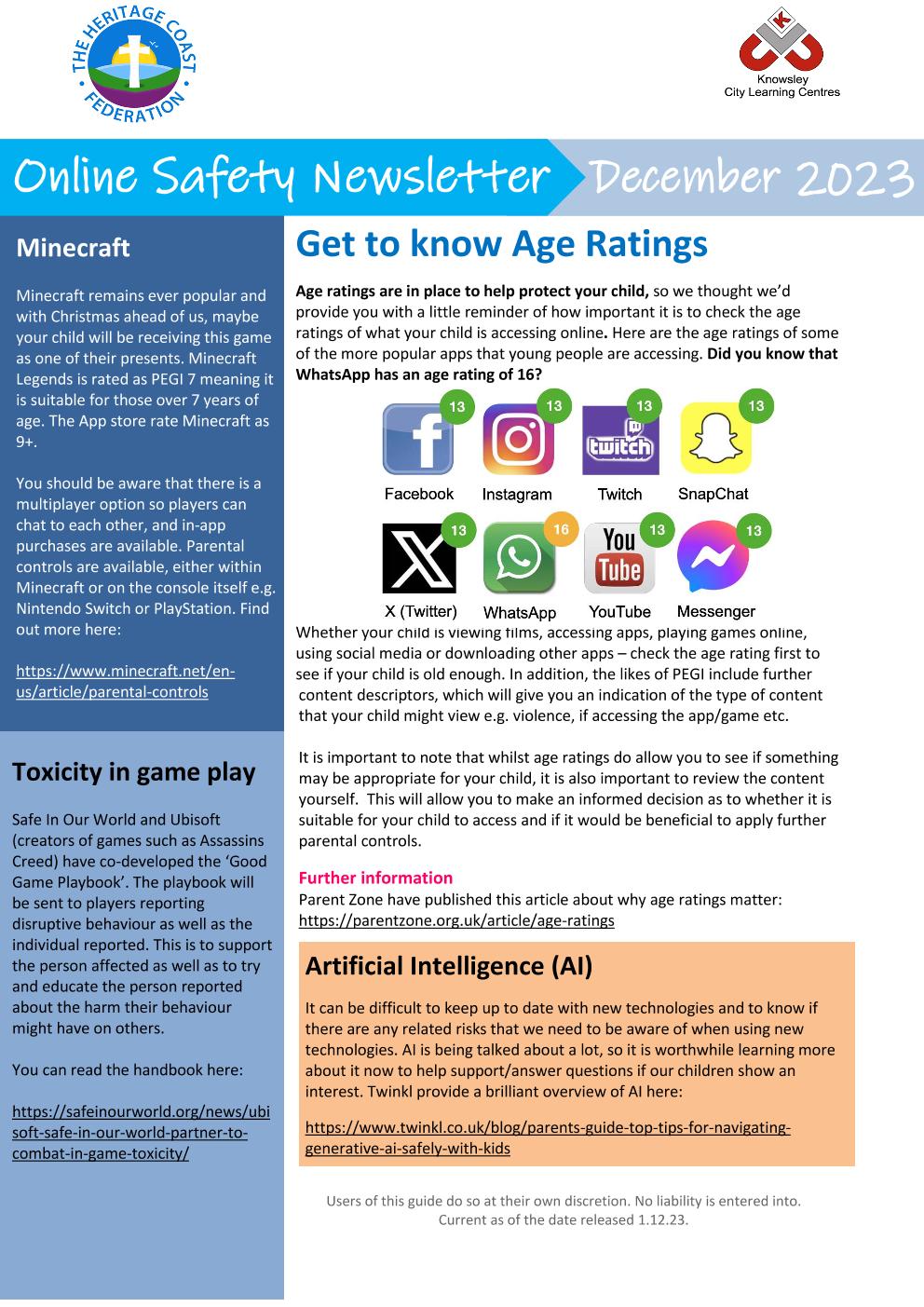
This month's newsletter features information for parents on app age ratings, artificial intelligence, snapchat and fake profiles.
|
|
Online Safety Newsletter Primary December 2023 Heritage Coast 30-11-2023 | [pdf 725KB] |
|

21st November 2023
Our Digital Footprint
What is a digital footprint? We have the NSPCC to help us describe what a digital footprint is and what it can mean for your child:
'Whenever you visit a website, share a photo or make a comment online, you leave a digital footprint that other people can see. Your digital footprint includes all the information you share or that’s collected about you online, and there can be a lot of it.
Lots of the information you share can be seen by other people. It can be used to target adverts at you, or it could be seen by a potential employer years later. Sometimes people can use the details you share to work out your identity.
Your footprint can be both good and bad. It could show things you’re embarrassed about later, or help people to see your skills or things you’re proud of.'
With this in mind, and with Santa possibly delivering electronic devices this year for Christmas, it may be time to speak with your child about what their digital footprint could be and how to manage this effectively.
The NSPCC have a wonderful guide aimed at older children on how to secure their information online and make their online behaviours as safe as possible:
Online Safety Newsletter November
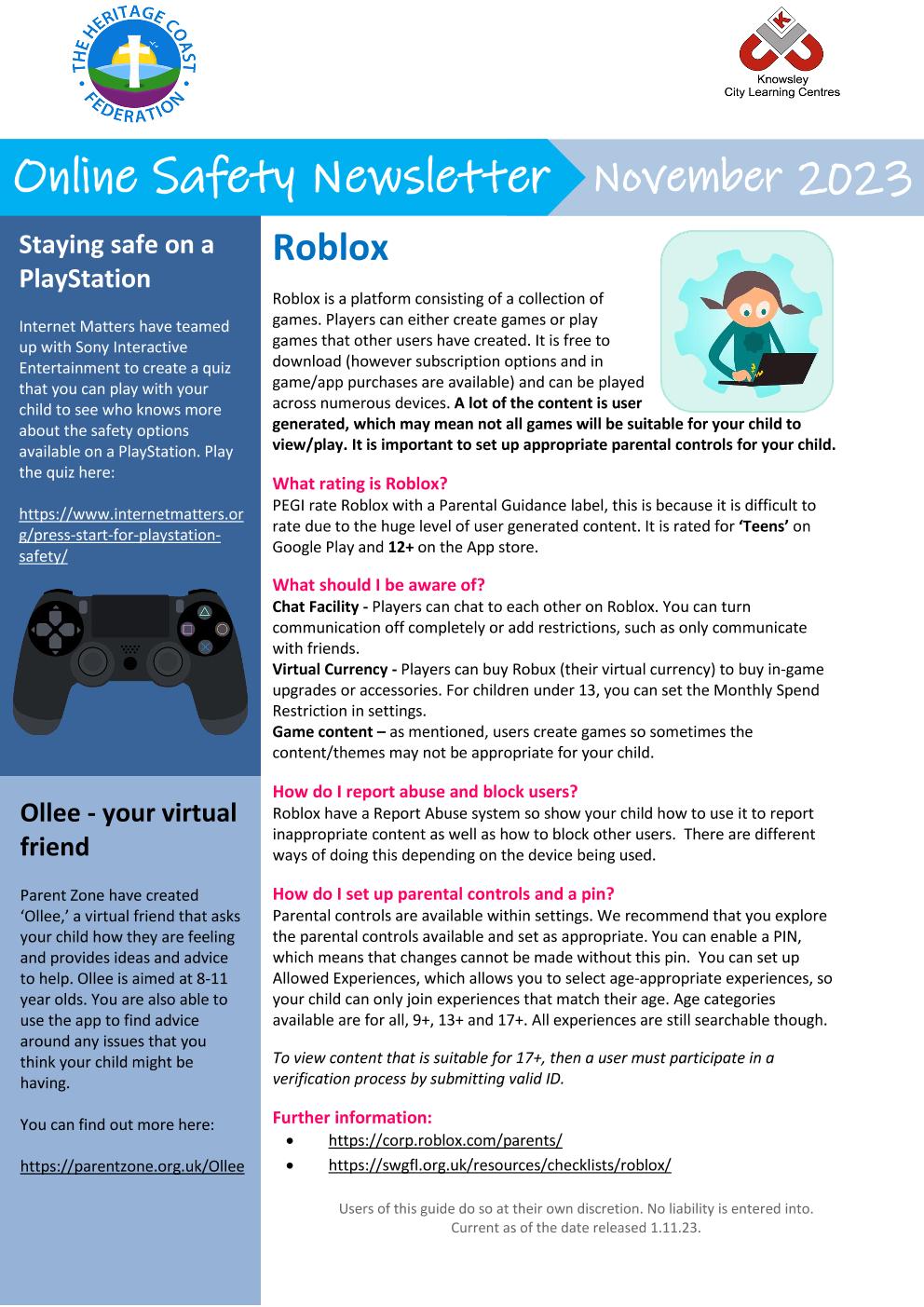
As we head back into another half term of fun and learning, we are aware that outside of school, children may be accessing gameing platforms like Roblox or social media such as TikTok. We want our families to be as informed as possible on how to keep safe online, using these platforms in a safe and enjoyable way and knowing what to do if there is an issue.
Take a look at our monthly newsletter for more information.
|
|
Online Safety Newsletter Primary November 2023 Heritage Coast 31-10-2023 | [pdf 844KB] |
|
19th October 23
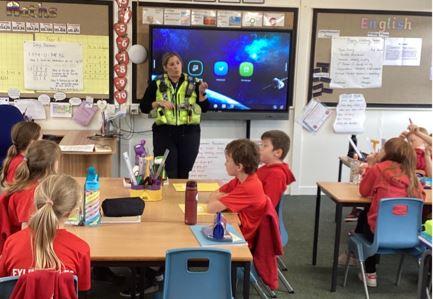
We have recently been visted by a local PCSO who spoke with Oak Class about internet safety, keeping both themselves safe, keeping an open dialog with parents and carers about online activity, what could be classed as dangerous online activity and warning signs to look out for when using the internet. We are so grateful to have such a helpful local police force and for the PCSO's time.
29th September 23
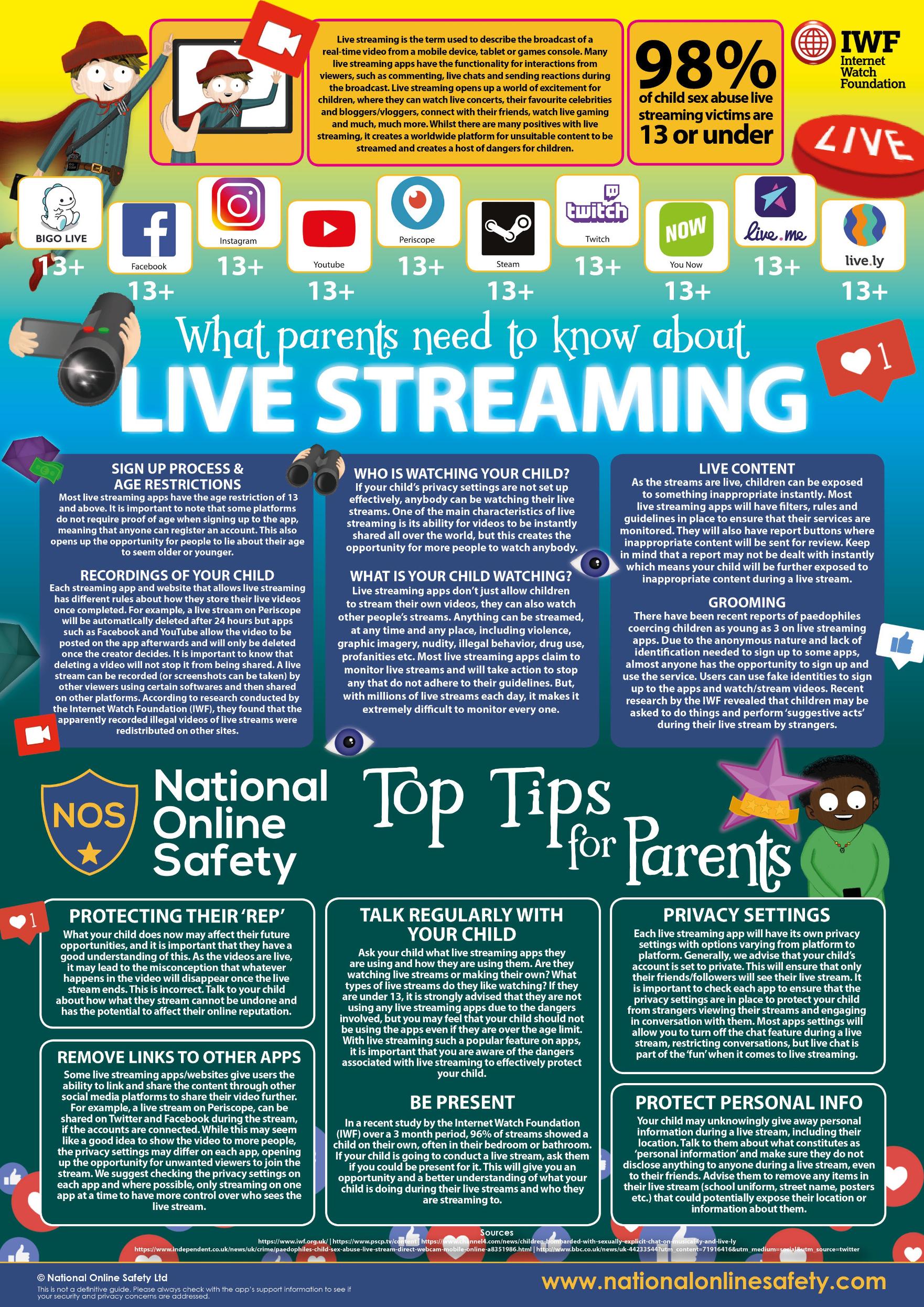
Check out our monthly online safety newsletter. This month focusing on live streaming, online gaming and online chat facilities. We are also sharing the NOS information on live streaming tieing in with the newsletter!
|
|
Online Safety Newsletter Primary October 2023 Heritage Coast 29-09-2023 (1) | [pdf 671KB] |
|
15th Sept 2023
Online Gaming
Something which a lot of children engage in is online gaming whether it be Roblox, Fortnite or other platforms. Knowing and understanding these games can really help parents to explore these games safely with their children, boundries with gaming can create a healthy relationship with gaming!

5th September 23
Online Safety Newsletter September 2023
Our online safety newsletter includes information about online gaming such as Roblox and Threads, a new social media site which is reccomended for those children aged 13 plus.
|
|
Online Safety Newsletter Primary September 2023 Heritage Coast 04-09-2023 | [pdf 703KB] |
|
10th July 23
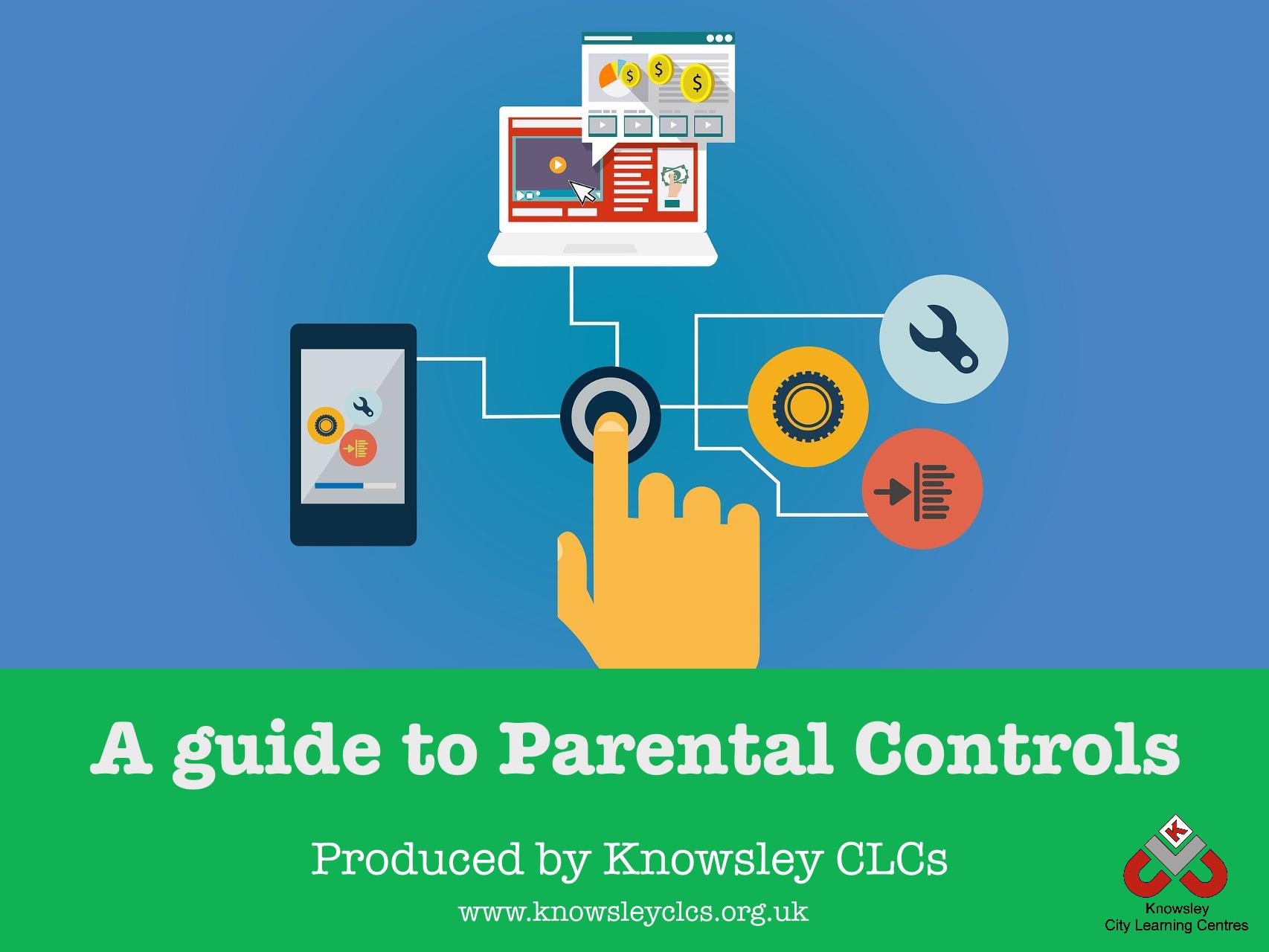
A Guide to Parental Controls
This guide will help you set up parental controls to provide your child with a safer online environment. Parental controls can help to protect your child from seeing something that they shouldn’t - although it is important to emphasise that no system is effective all of the time so it is important to engage with your child and talk to them about their online life regularly
|
|
Parental Controls booklet 2022 (1) | [pdf 4MB] |
|

30th June 2023
With the school holidays nearly upon us it may be that your child will be spending a little mnore time online than usual, including online gaming.
NSPCC have put togther a guide for parents which you might find helpful if your child spends some time online gaming!
22nd June 23
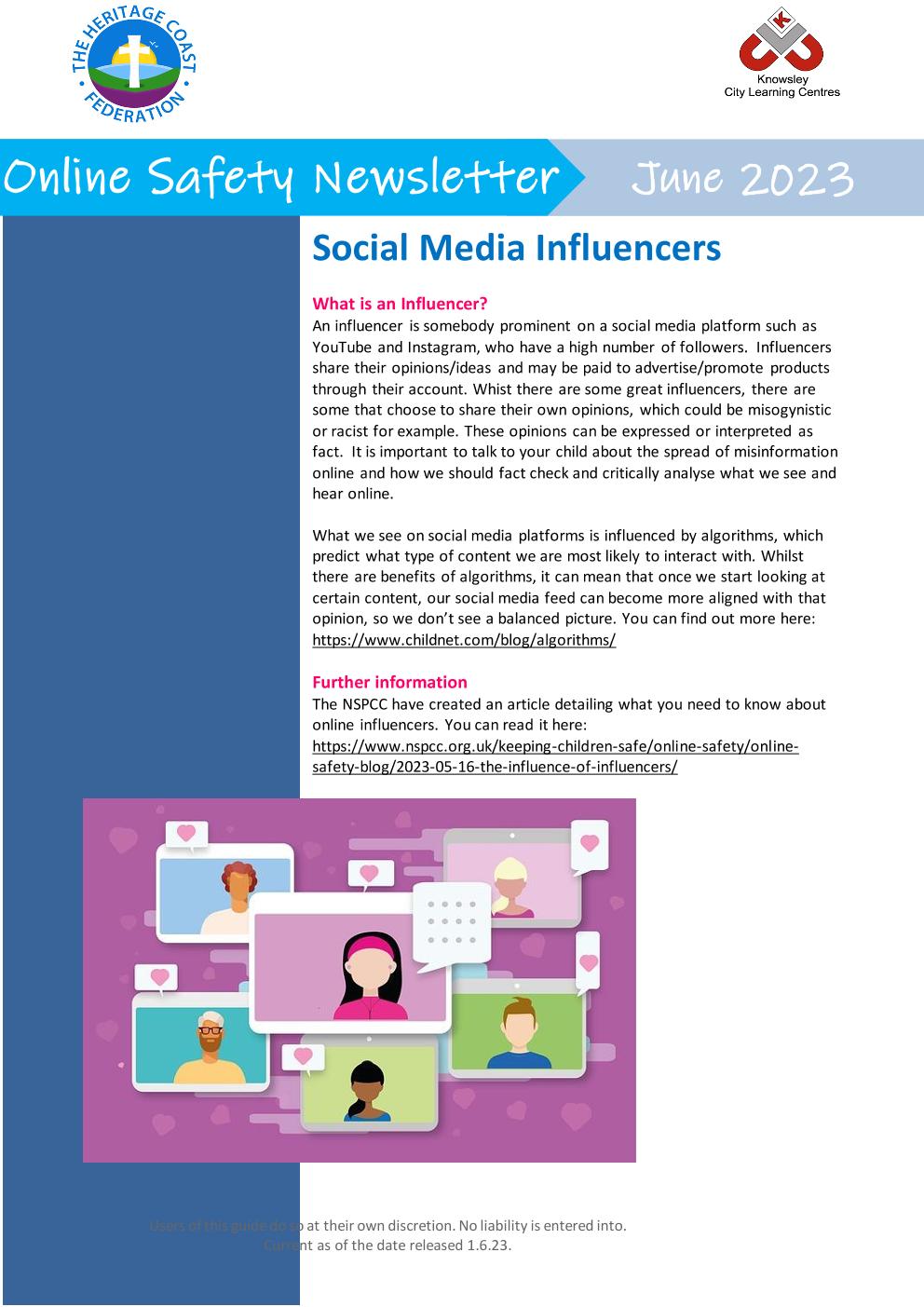
Online Safety Newsletter
We have joined forces with Knowsley City Learning Centres to share an informative newsletter looking at online safety including safety when using our money online and an update to age restrictions on Omegle.
|
|
Online Safety Newsletter Primary June 2023 Heritage Coast 21-06-2023 (1) | [pdf 394KB] |
|
4th May 23
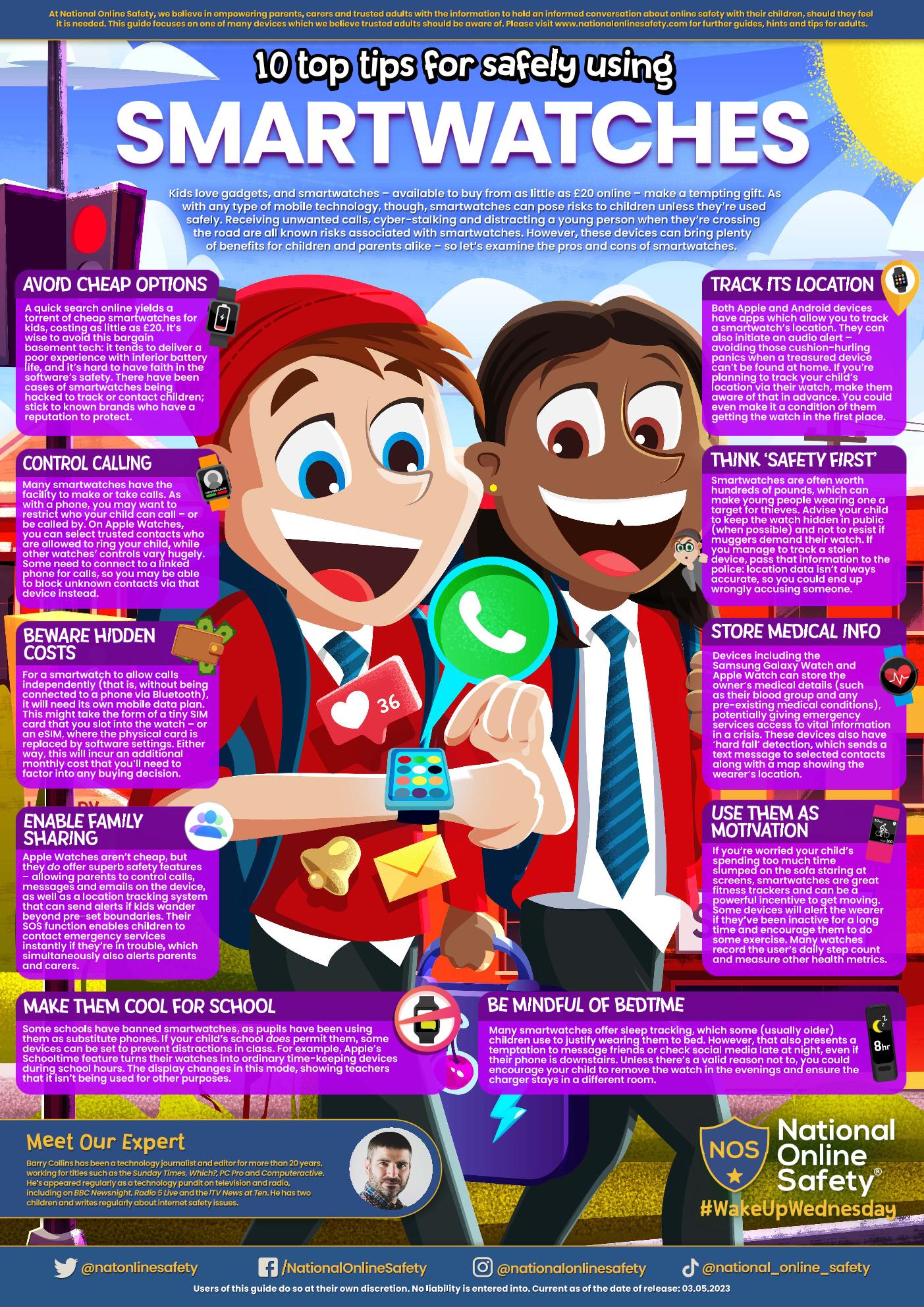
Time to get smart about watches? Wearable tech is usually considered 'cool' by young people, with smartwatches at the forefront – but are they safe from #OnlineSafety risks? Trusted adults can find out in our #WakeUpWednesday guide
|
|
smartwatches | [pdf 3MB] |
|

22nd March 23
Have you heard of Swiggle?
Are you worried about what your children may stumble across when searching online? Even the most attentive parent can’t always be looking over their child’s shoulder 24/7, checking if what they’re viewing is appropriate.
Welcome to Swiggle.org.uk, the ad-free child friendly search engine.
Great Online Skills Start Here
Good practice starts young and encouraging healthy attitudes and behaviours from your child as part of their online life is best when it involves you. After all, wouldn’t you want to be the first person your child goes to when they find online content that makes them feel upset, embarrassed or frightened?
Swiggle has been designed to support young children when searching for images or content online. Generic search engines can throw up a host of difficulties and embarrassing incidents when children stumble across inappropriate content (either accidentally or deliberately). Even with “safer searching” filters switched on, image searches can often return thumbnails to content that is wholly inappropriate yet in full view.

15th March 23
It’s almost Red NOSE Day! In support of Comic Relief, our special #WakeUpWednesday guide has got some top tips on helping children and young people to build their digital resilience – minimising the impact of #OnlineSafety threats
|
|
safe-and-healthy-habits-online | [pdf 3MB] |
|

28th February 23
Ofcom’s research has shown that 86% of 3-4 year olds have access to a tablet at home and 21% have their own tablet.
Children of all ages enjoy using technology. We now see young children going online to play games, talk to family, watch videos and even learn to use voice enabled tech like Alexa and Siri to find out about their world.
Having a conversation about online safety can begin as soon as your child is engaging with technology. Use these conversation starters to help get the conversation started:
- What is your favourite thing to do on the iPad/tablet/my phone etc?
- What is your favourite game/app and why do you like it?
- Where do we use the iPad/tablet/games console and when can we use it?
- What can you do if something online upsets you?
- Who can help you with your favourite games and apps?
- If a message appears on the screen, what should you do?
- Who can go online? Do we know everyone online?
22nd February 23
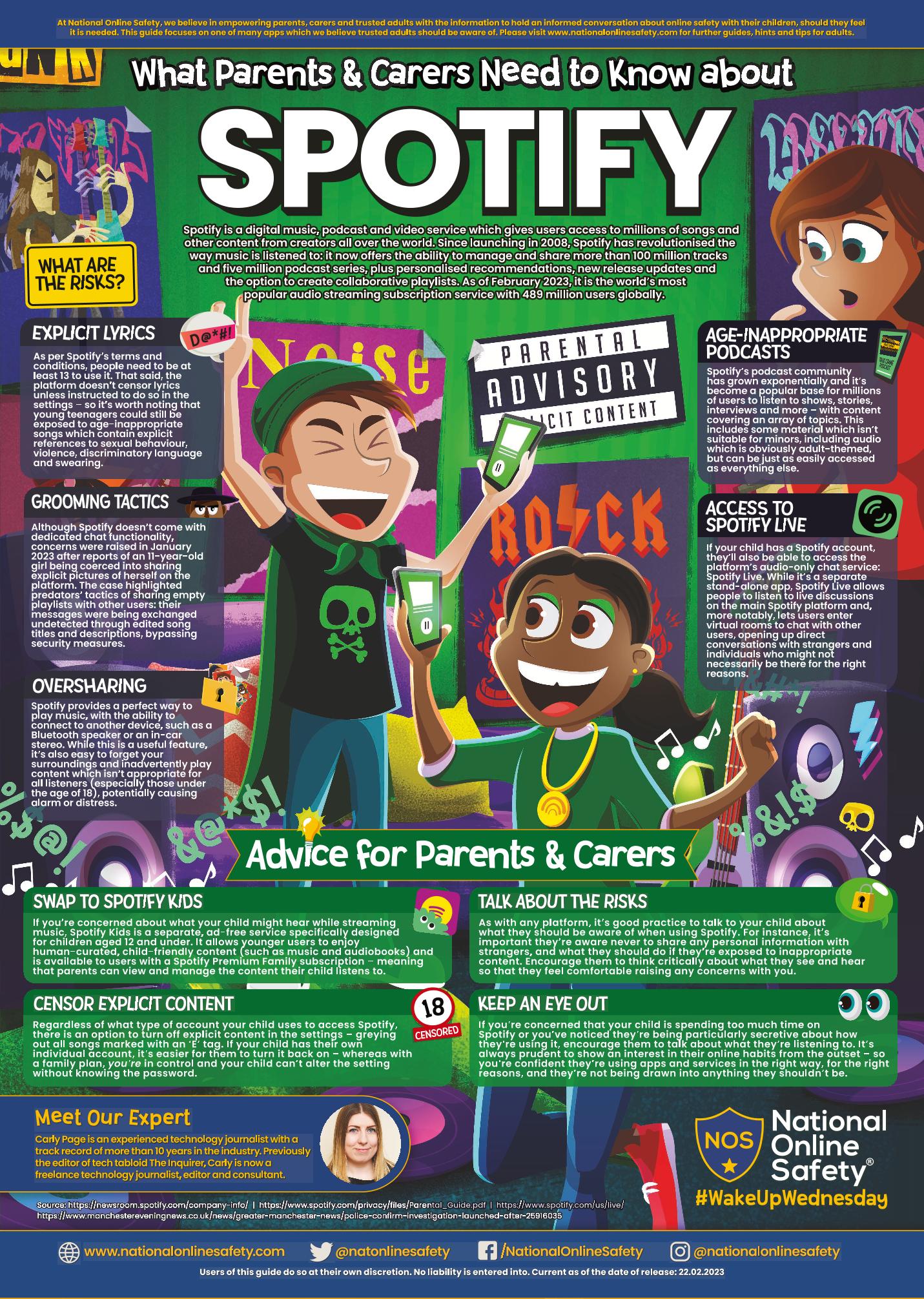
Is Spotify hitting the right #OnlineSafety notes? It’s become the world’s most popular music streaming service – but how suitable is it for children to listen to? The National Online Safety #WakeUpWednesday guide brings you the inside track on #Spotify
|
|
Spotify | [pdf 3MB] |
|

10th February 23
Gaming is loved and enjoyed by children and adults across the UK, which has the sixth largest games market globally, with 37.3 million people playing games including 69% of 6 to 10-year-olds. However, whilst it can be a great way for children to socialise, learn new skills, be part of a team and relax, it also carries risks. The YGAM website provides parents with a wealth of really useful information to give you a better understanding exactly what those PEGI ratings mean and how to ensure children stay safe online. There are useful guides about different games to demystify these for parents and alert you to potential risks of microtransactions.
27th January 23
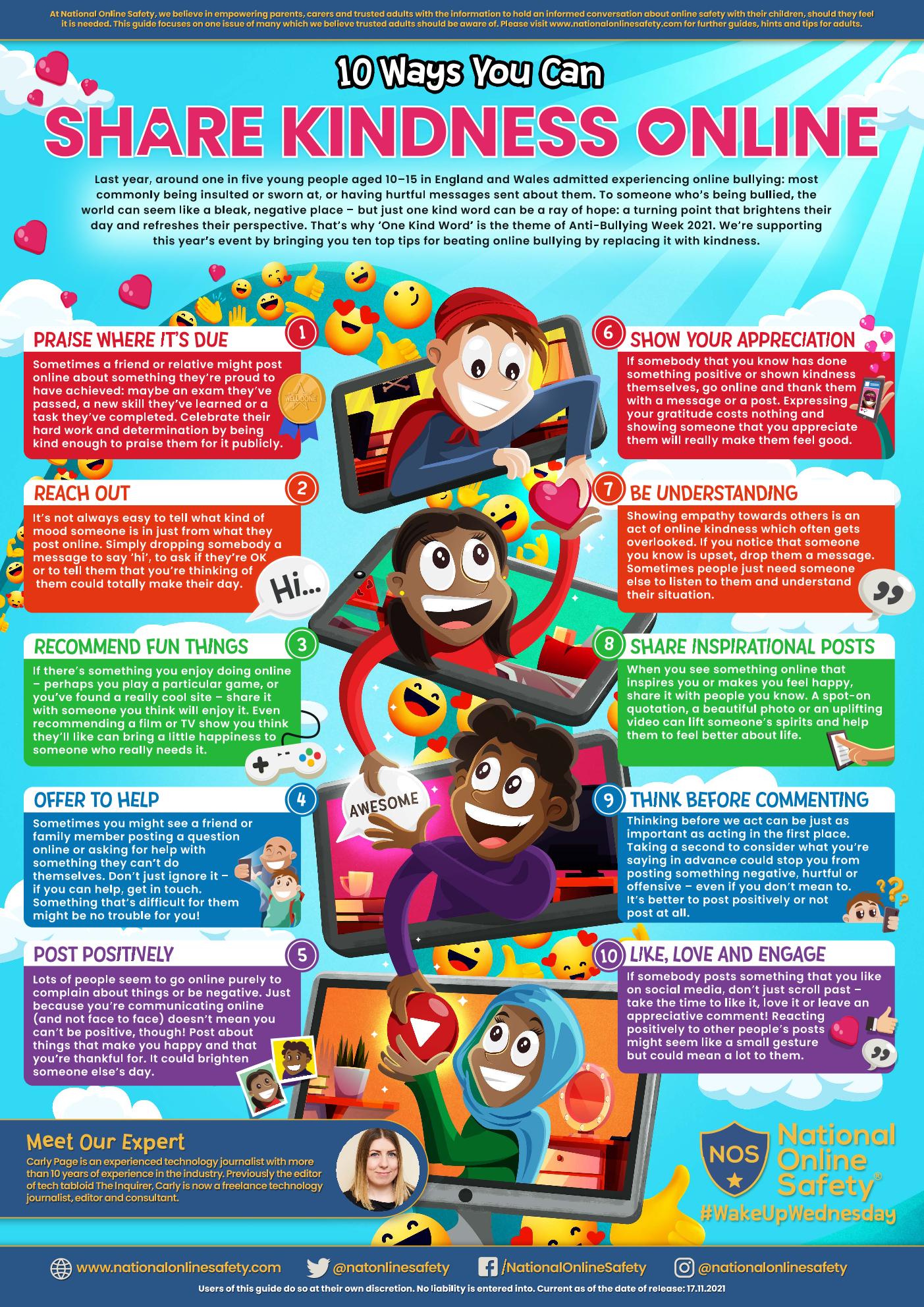
Let's Spread Kindness Online
Last year, around one in five children in England and Wales admitted experiencing online bullying: most commonly being insulted or sworn at, or having hurtful messages sent about them. To a child, this can make the world seem like a bleak, negative place – but just one kind word can be a ray of hope: a turning point that brightens someone’s day and resets their perspective. That’s why ‘One Kind Word’ was the theme of Anti- Bullying Week.
Click on the poster below for ideas to share with your children about how to spread a little kindness in the online world.
|
|
Share Kindness Online | [pdf 2MB] |
|
16th January 23
National Online Safety Accreditation
We are delighted to announce that we have successfully achieved our third National Online Safety Certified School Accreditation for our whole school community approach to protecting children in the online world. Staff, parents and pupils have successfully completed a comprehensive online safety training programme from this multi award winning provider, demonstrating our commitment to keeping children and young people safe online.
National Online Safety provide a wealth of educational resources to support UK schools and help all members of our community to make the internet a safer place for children. We all know that it can be increasingly difficult for parents to stay ahead of online threats and ensure that everyone is safeguarded from potentially harmful and inappropriate online material. The site includes safety guides for most of the popular social media sites and games, which can arm you with the knowledge you need to understand online dangers and react in the best way possible to any problems. Please speak to a member of staff if you would like information about any of these.
We are really proud to have achieved this accreditation once again, and we would like to thank and congratulate everyone who was involved in the process. Special thanks to Mrs Ludlam, as she has really supported our Federation journey in this area.
20th January 23
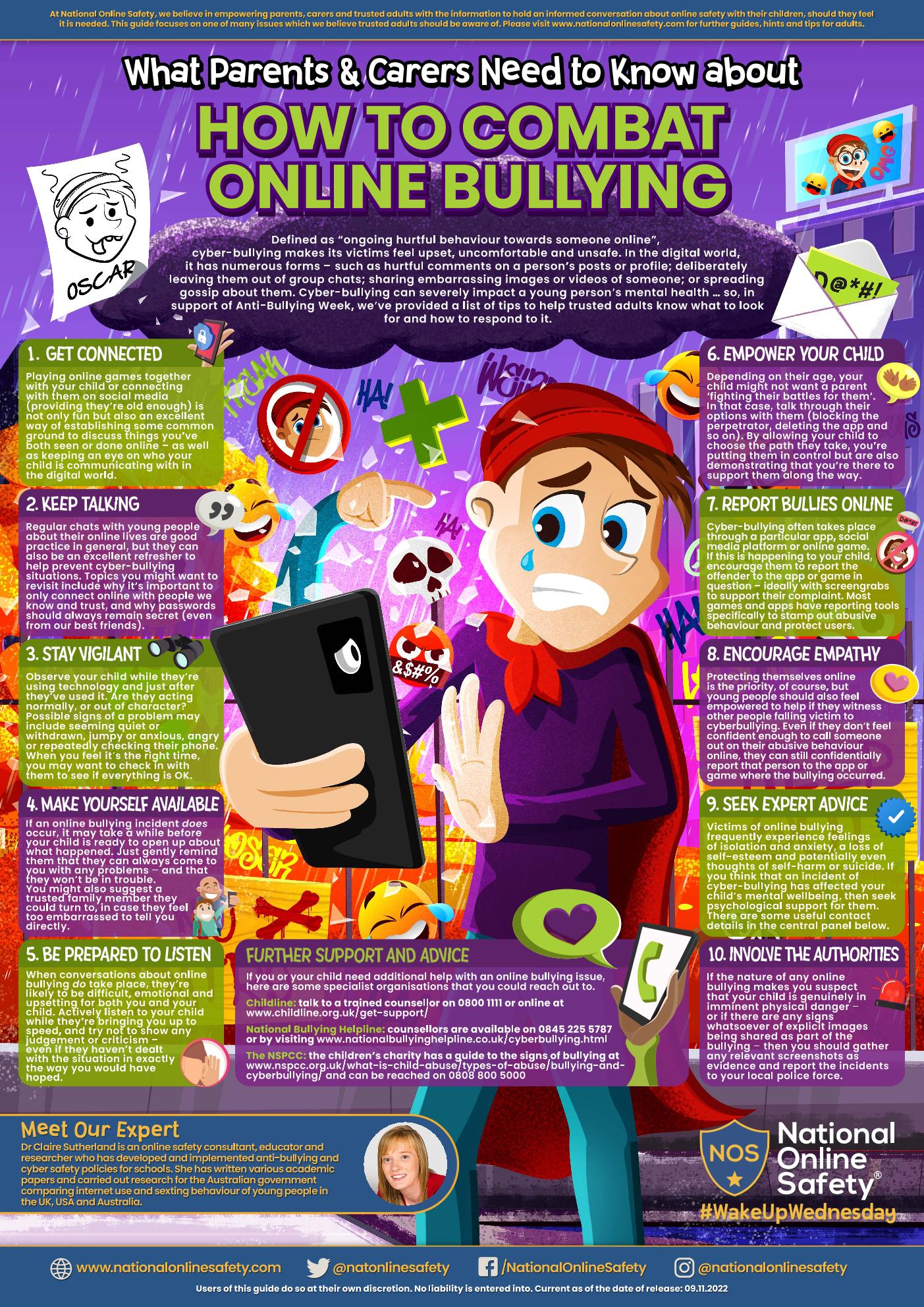
Defined as “ongoing hurtful behaviour towards someone online”, cyber-bullying makes its victims feel upset, uncomfortable and unsafe. In the digital world, it has numerous forms – such as hurtful comments on a person’s posts or profile; deliberately leaving them out of group chats; sharing embarrassing images or videos of someone; or spreading gossip about them. Cyber- bullying can severely impact a young person’s mental health … so, the National Online Safety Team have provided a list of tips to help trusted adults know what to look for and how to respond to it.
In the guide, you'll find tips such as playing online games with your child, talking about your child’s online life and being prepared to listen without showing any judgement or criticism.
Click on the image to see the full poster
|
|
Combat Online Bullying | [pdf 2MB] |
|
13th January 23
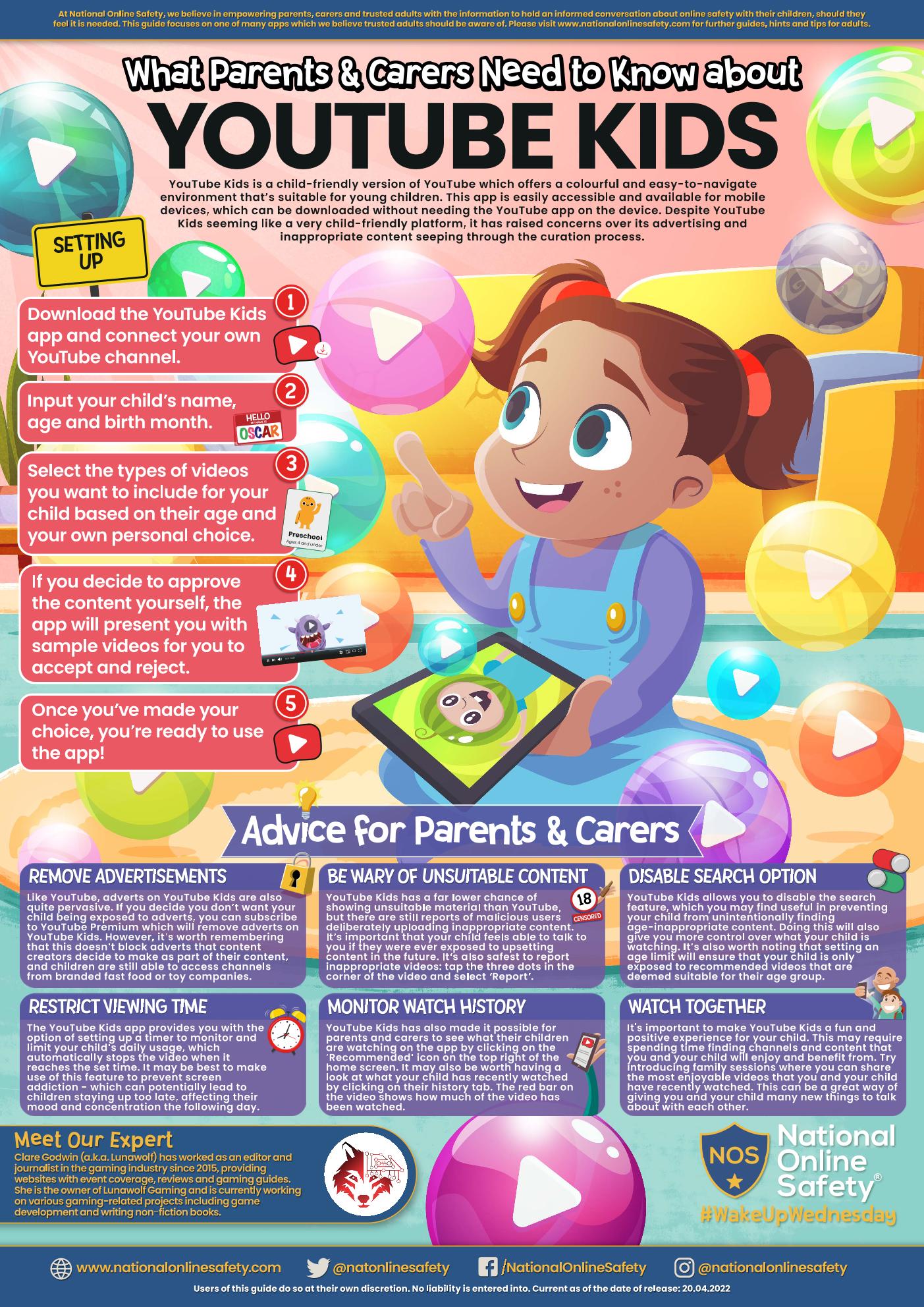
Lots of children tell us about watching content on Youtube, but some of you may not be aware that there is YouTube Kids, which is a child-friendly version of YouTube, offering a colourful and easy-to-navigate environment which is more suitable for young children. The app is easily accessible and can be downloaded for phones and tablets without needing the YouTube app to be on the device already. Although YouTube Kids is obviously intended to be (and mainly succeeds in being) an extremely child-friendly platform, it has still raised concerns over its advertising policy as well as inappropriate content seeping through the curation process.
In the guide, you'll find tips such as disabling the search option, restricting viewing time and monitoring the watch history to support online safety.
|
|
You Tube Kids | [pdf 2MB] |
|
6th January 23
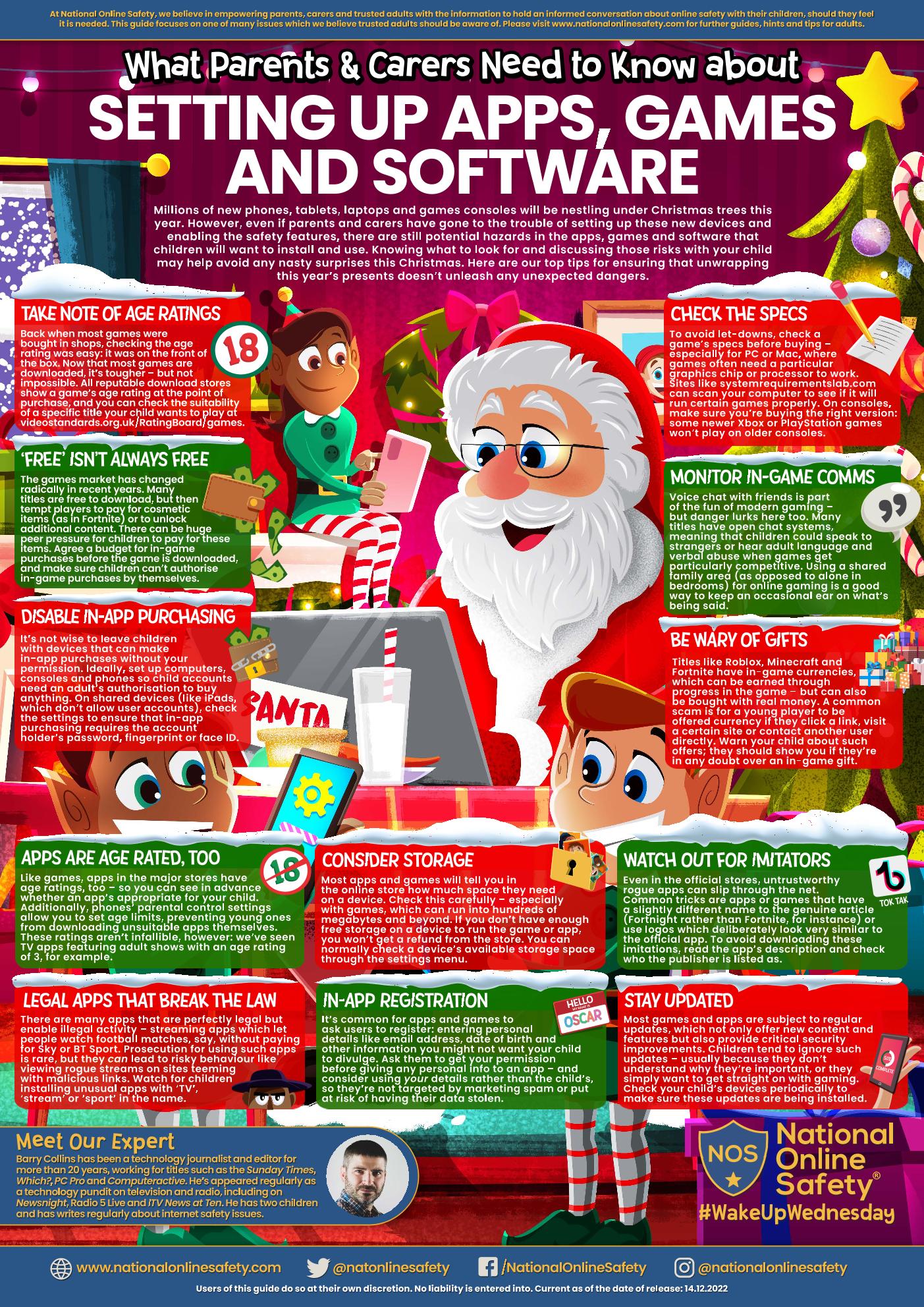
We know that lots of children will have been delighted to find new phones, tablets, laptops or games consoles nestling under their Christmas trees this year. However, even if parents and carers have gone to the trouble of setting up these new devices and enabling the safety features, there are still potential hazards in the apps, games and software that children will want to install and use. Knowing what to look for and discussing those risks with your child may help avoid any nasty surprises as they explore their new technology. Click on the images below for some top tips for ensuring that unwrapping this year’s presents doesn’t unleash any unexpected dangers. In the guides, you'll find tips such as disabling in-app purchasing, take note of age ratings and watching out for imitators. Through our National Online Safety, we have guides to many of the most popular games, so please do talk to a member of staff if you would like any guidance in relation to setting parental filters or things to look for with certain games.
|
|
Setting Up Apps, Games and Software | [pdf 4MB] |
|